Machine Discovery & llms.txt
Technical SEO & AI InfrastructureThe Complete llms.txt Guide: How to Configure Your Blog for GPTBot, ClaudeBot, and PerplexityBot
Why AI agents struggle with JavaScript-heavy marketing sites, how the llms.txt specification works alongside robots.txt and sitemap.xml, and how to set it up automatically.
On this page▸
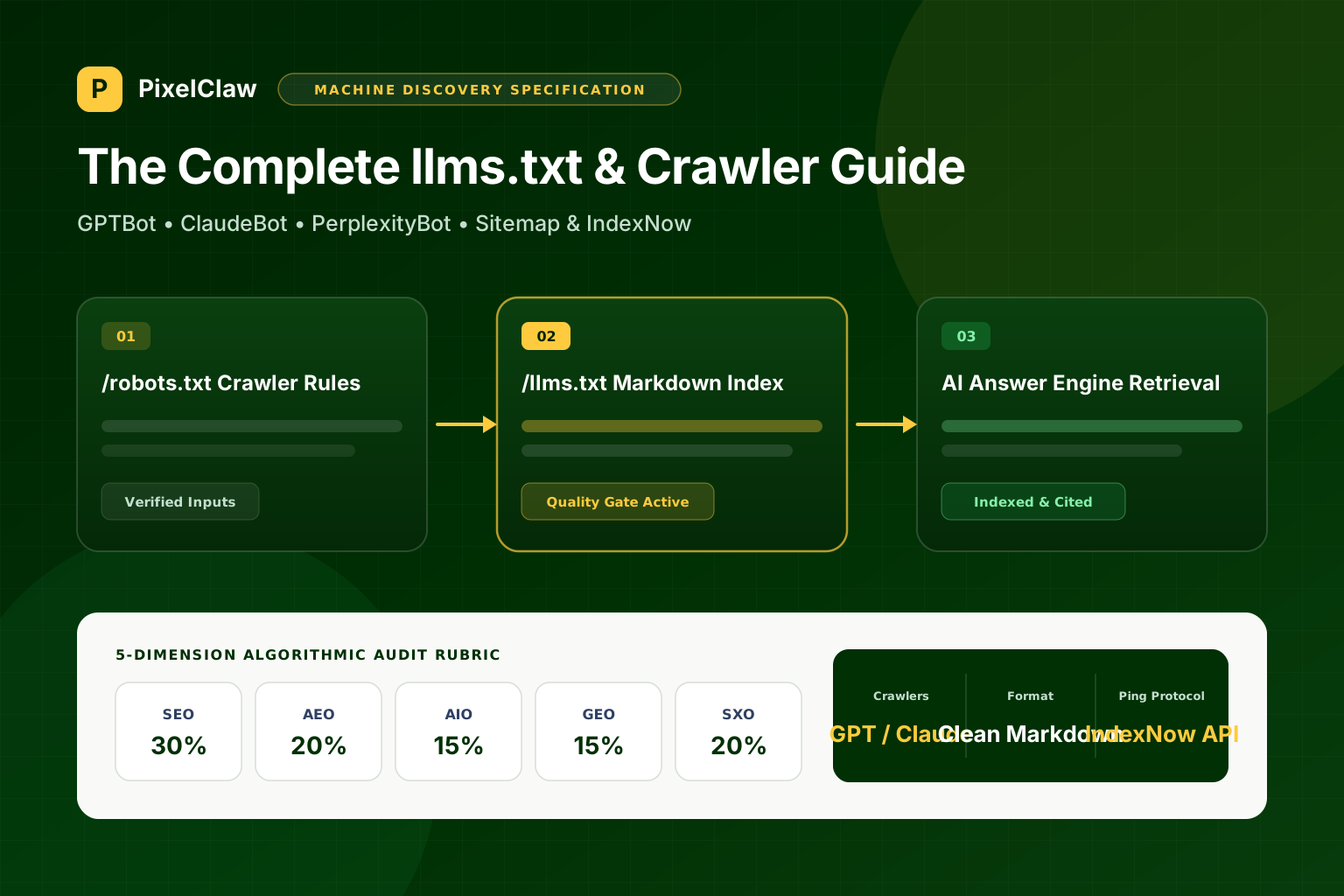
This llms.txt guide explains how to make your blog immediately readable to AI assistants and search crawlers. Placed at the root of your domain (/llms.txt), the file provides a concise Markdown index of your site's summary, core pages, and published blog posts—working alongside robots.txt and sitemap.xml so GPTBot, ClaudeBot, and PerplexityBot can retrieve your best answers.
What is llms.txt, and why isn't sitemap.xml enough?
Traditional web crawlers like Googlebot were designed to download millions of HTML pages, strip navigation chrome, execute client-side scripts, and build an inverted keyword index over weeks. Large language models and real-time AI search agents work under a completely different constraint: context window efficiency and sub-second latency.
When an AI agent or developer assistant inspects your domain to answer a buyer's question, parsing a 5,000-line XML sitemap full of bare URLs tells it nothing about what each page actually explains. Fetching ten heavy HTML pages full of navigation menus, cookie banners, and inline scripts wastes tokens.
That is why what is llms.txt has become a practical standard for content-driven sites. Hosted at /llms.txt, it is a plain-text Markdown file that states who you are, what your product or publication covers, and links to your canonical pages and blog posts with one-sentence summaries.
robots.txt vs sitemap.xml vs llms.txt side by side
Each machine discovery file at the root of your blog serves a distinct consumer and purpose:
| Discovery File | Format | Primary Consumers | Core Job |
|---|---|---|---|
| /robots.txt | Plain text directives | All search & AI crawlers | Grants or denies crawl access per user-agent and points to sitemap.xml |
| /sitemap.xml | XML Sitemap protocol | Googlebot, Bingbot, IndexNow | Lists all canonical indexable URLs and lastModified timestamps |
| /feed.xml | RSS 2.0 XML | Feed readers, aggregators, syndication | Streams chronological post headlines, summaries, and publication dates |
| /llms.txt | Markdown (UTF-8) | LLMs, AI agents, RAG retrievers | Provides a concise semantic map of site overview, guides, and post excerpts |
How to format an llms.txt file (with a production example)
A clean llms.txt guide follows a predictable Markdown hierarchy: an H1 with your site or publication name, a blockquote summarizing the site in one or two sentences, and H2 sections grouping your core pages and published articles with short descriptions.
# Acme Cloud Engineering Blog

> Practical guides on PostgreSQL scaling, zero-downtime migrations, and Kubernetes cost control by the Acme Cloud team.

## Core Pages

- [Blog Home](https://blog.acme.com/): All engineering articles and tutorials
- [About Acme](https://acme.com/about): Platform architecture and team

## Published Articles

- [Zero-Downtime Postgres Migrations](https://blog.acme.com/zero-downtime-postgres-migrations): How to add columns, backfill data, and swap constraints without locking production tables.
- [Kubernetes Request vs Limit Tuning](https://blog.acme.com/kubernetes-cpu-memory-tuning): Benchmarks for right-sizing pod memory requests and eliminating OOMKilled restarts.
How to configure robots.txt for GPTBot, ClaudeBot, and PerplexityBot
An llms.txt file only helps if AI crawlers are allowed through the front door. Many web application firewalls and legacy CDN presets automatically block non-Google user agents.
Your robots.txt should protect private application paths while explicitly welcoming major search and AI answer crawlers:
User-agent: *
Allow: /
Disallow: /app/
Disallow: /api/

User-agent: GPTBot
Allow: /

User-agent: ClaudeBot
Allow: /

User-agent: PerplexityBot
Allow: /

Sitemap: https://pixelclaw.ai/sitemap.xml
How PixelClaw automates machine discovery files on every blog
Maintaining discovery files by hand breaks down as soon as you publish weekly or translate articles into multiple languages. In PixelClaw, the moment you create a blog—whether on yourname.pixelclaw.app or a custom domain—the platform automatically serves /sitemap.xml, /robots.txt, /feed.xml, and /llms.txt.
When a new article clears the publish bar and goes live, it is added to sitemap.xml and llms.txt immediately, and eligible blogs can notify IndexNow and Google Search Console without manual scripts.
- While sitemap.xml lists raw URLs for traditional crawlers, llms.txt gives language models a curated Markdown directory with titles and descriptions.
- Check your robots.txt immediately: many CDNs and security firewalls block GPTBot, ClaudeBot, and PerplexityBot by default, killing your GEO visibility.
- Keep private application routes (/app/, /api/, admin dashboards) disallowed in robots.txt while explicitly allowing public blog and documentation paths.
- Every hosted PixelClaw blog automatically generates and updates /llms.txt, /sitemap.xml, /robots.txt, and /feed.xml whenever a post is published or unpublished.
- Combine passive discovery files with active IndexNow and Google Search Console notifications so new articles get crawled within minutes of publication.
Frequently Asked Questions
Does llms.txt replace sitemap.xml or robots.txt?+
No. Keep all three. Your robots.txt tells crawlers which paths they are permitted to fetch; sitemap.xml gives search engines an exhaustive list of canonical URLs and last-modified timestamps; and llms.txt provides AI assistants with a clean, low-token Markdown overview of your site and articles.
What is the difference between /llms.txt and /llms-full.txt?+
The root /llms.txt file is a compact index listing your site summary and annotated links to key pages and posts so an AI agent can quickly choose which URL to fetch. An optional /llms-full.txt file expands the full documentation or product specifications inline in a single Markdown document.
What happens if my robots.txt blocks AI crawlers?+
If your robots.txt sets Disallow: / for GPTBot, OAI-SearchBot, ClaudeBot, or PerplexityBot, compliant AI answer engines will refuse to crawl or cite your articles. PixelClaw's GEO check flags blocked AI crawlers so you don't accidentally hide your blog.
How does IndexNow work with my blog's sitemap?+
Instead of waiting days for a crawler to poll your sitemap.xml, IndexNow sends an immediate HTTP ping whenever a post is published or updated, alerting Bing and participating search engines to fetch the changed URL right away.
Do translated blog posts appear in sitemap.xml and llms.txt?+
Yes. Published translations appear as distinct public URLs with their own localized titles and excerpts, paired with hreflang alternate tags so search and AI engines serve the right language version.
Sources
- llmstxt.org: The /llms.txt Proposed Standard Specification — llmstxt.org (Defines the markdown format for /llms.txt and /llms-full.txt files at the root of a domain.)
- OpenAI Platform Documentation: GPTBot and OAI-SearchBot User-Agent Tokens — OpenAI (Lists official robots.txt user-agent tokens and IP ranges for OpenAI crawlers.)
- IndexNow.org: Instant Search Engine URL Notification Protocol — IndexNow (Documents real-time URL ping mechanics supported by Microsoft Bing, Yandex, Naver, and Seznam.)
Built & scored using PixelClaw.ai
More from this blog
Continue exploring autoblogging architecture, AI blog writing, and SEO / AEO / GEO playbooks.
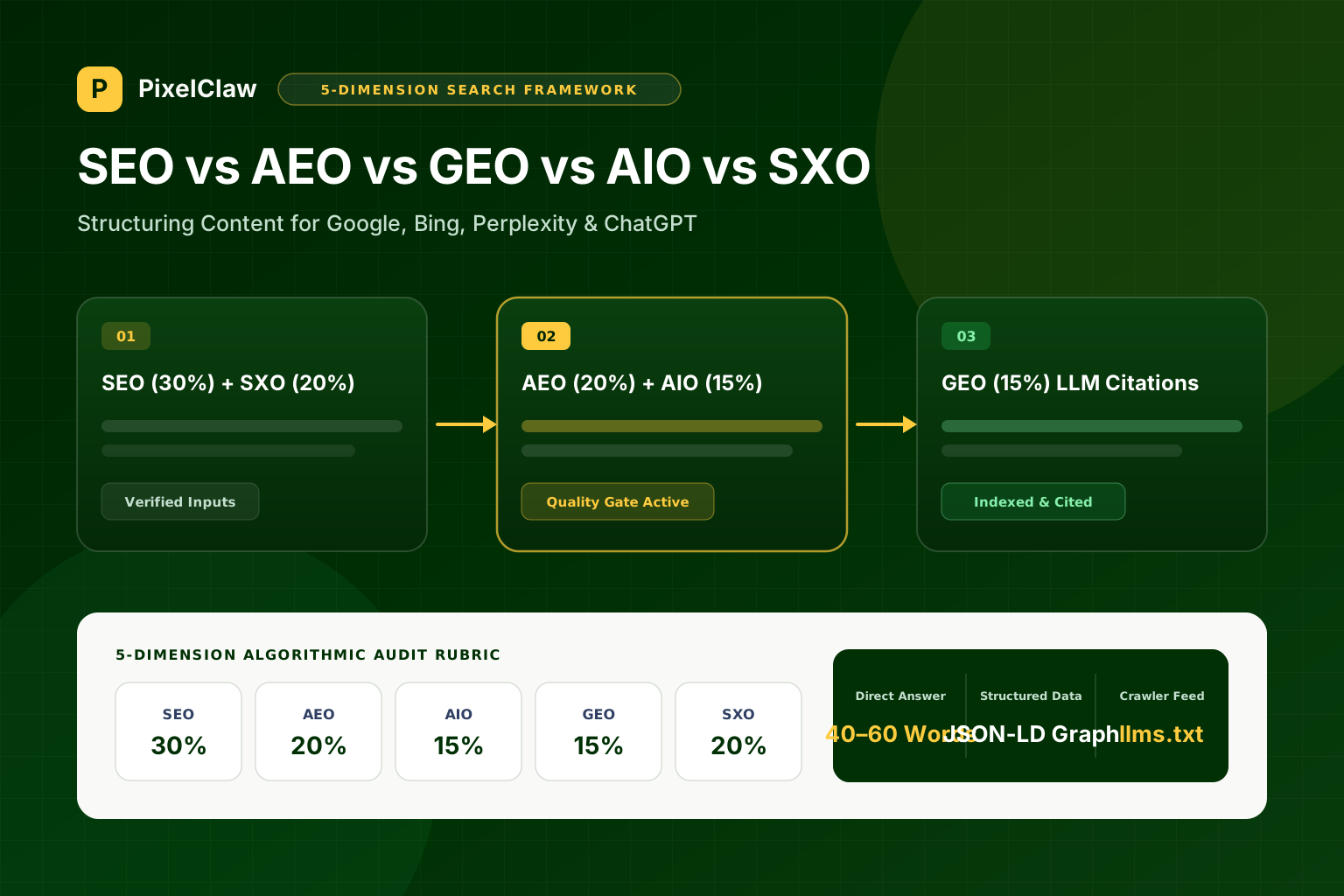
AEO vs GEO vs SEO: How to Structure Blog Posts So Perplexity, ChatGPT, and Google AI Overviews Cite You
Search visibility now spans traditional blue links, direct answer snippets, and generative AI citations. Here is how SEO, AEO, AIO, GEO, and SXO work together on every post.
Marcus Vance
Head of Growth Architecture
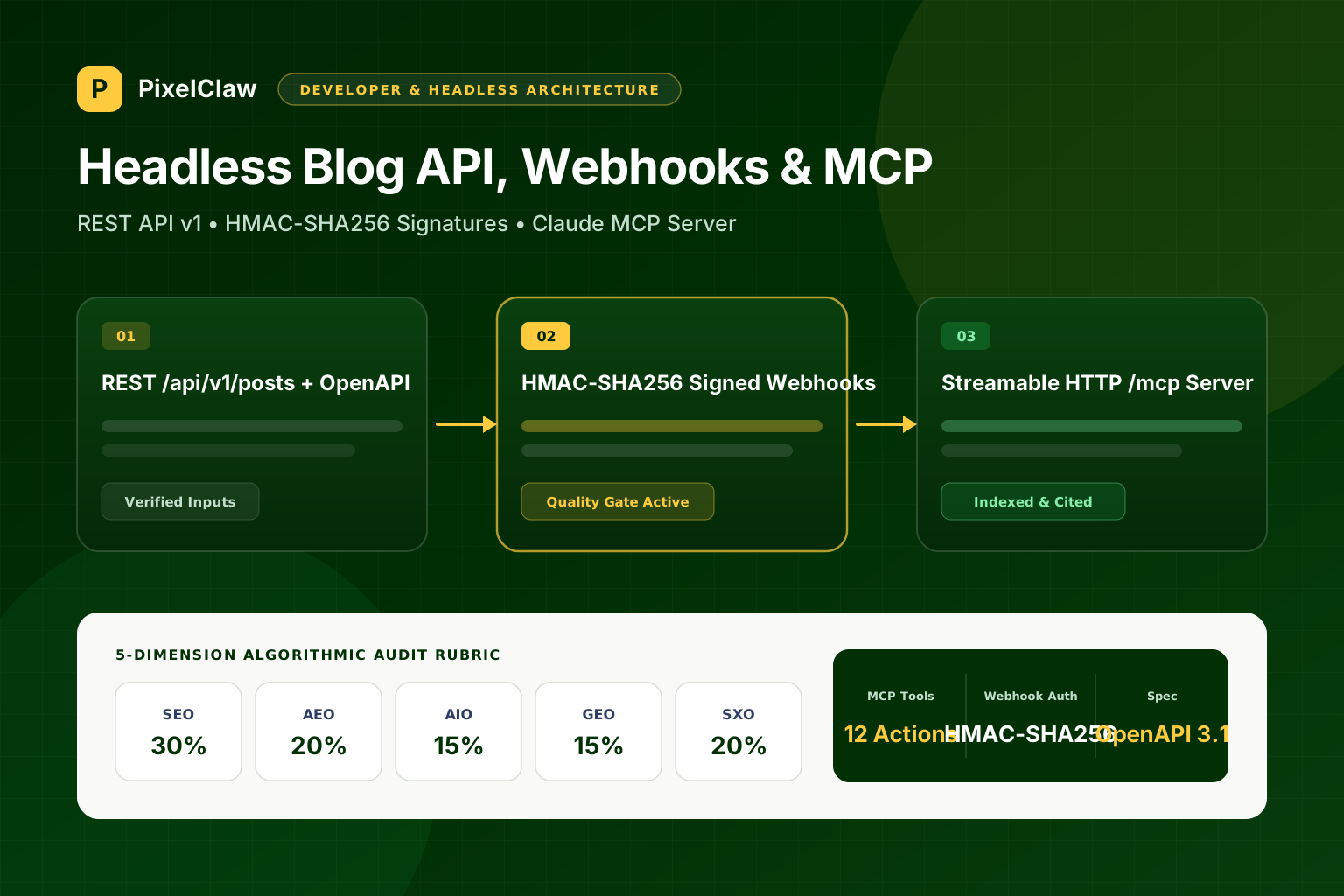
Headless AI Blogging with Next.js, REST APIs, Signed Webhooks, and Model Context Protocol (MCP)
How engineering teams integrate autonomous content pipelines into Next.js and Astro apps using REST APIs, HMAC-SHA256 webhooks, and Claude MCP tools.
Marcus Vance
Head of Growth Architecture
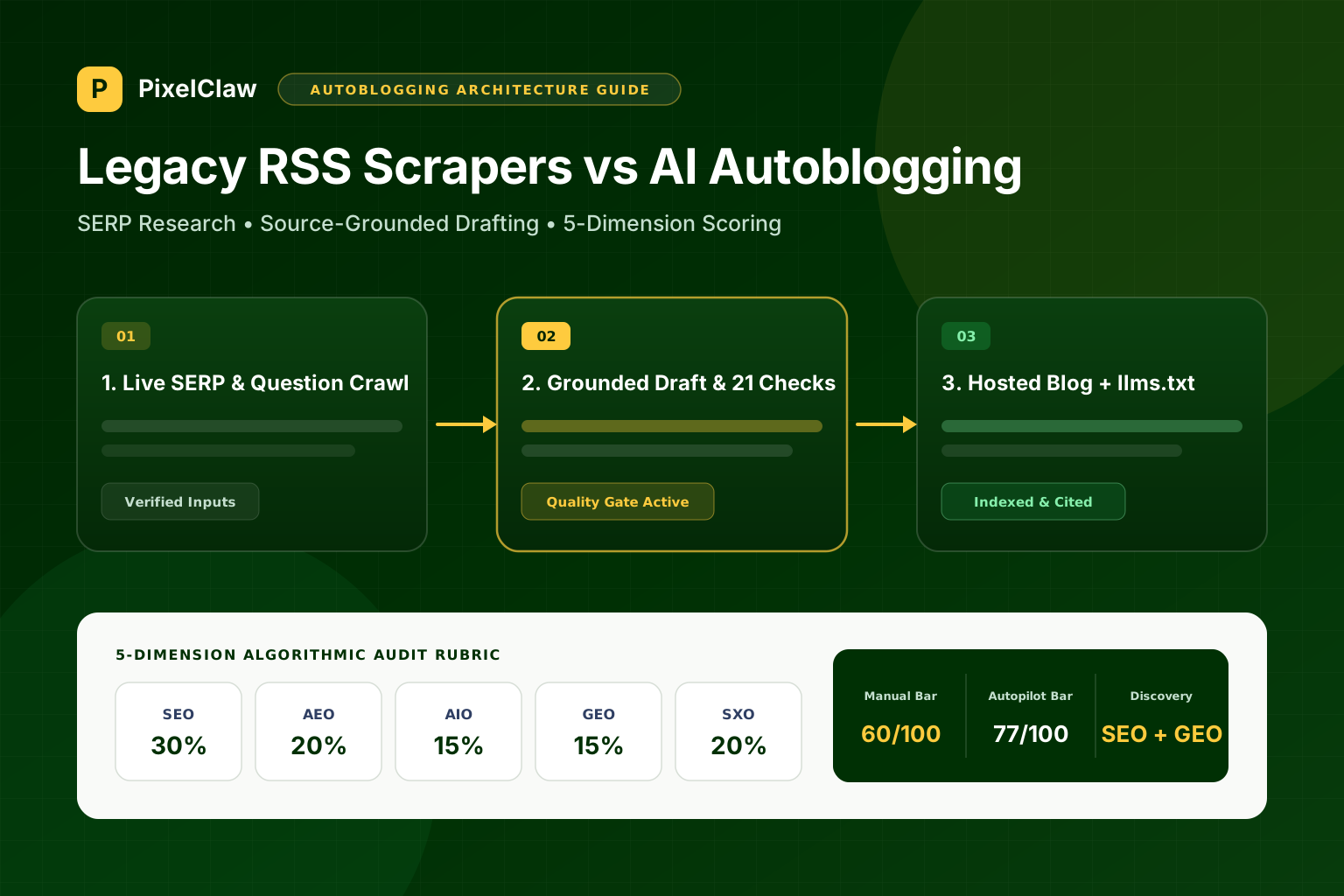
What Is Autoblogging? How Modern AI Autoblogging Works Without Publishing Slop
Autoblogging explained for founders and marketing teams: how modern research-first pipelines differ from old RSS scrapers, and what it takes to earn rankings and AI citations.
Marcus Vance
Head of Growth Architecture