Bulk article generation
How-to guideHow to Generate Articles in Bulk With AI, From Keyword List to Published Posts
A seven-step process for turning a keyword list into a batch of articles that rank: clusters first, questions second, a careful first batch, then a steady publishing pace.

On this page▸
To generate articles in bulk with AI, start from a keyword list, group it into topic clusters, turn each keyword into a specific question, queue the questions in an AI writer, review the first batch closely, then let it publish at a steady weekly pace with a quality score holding back weak drafts.
Step 1: Start with a keyword list you trust
Every bulk batch is only as good as the list behind it. A list scraped from a keyword tool with no thought about intent produces articles nobody needed. A list built from real demand produces articles people search for and act on.
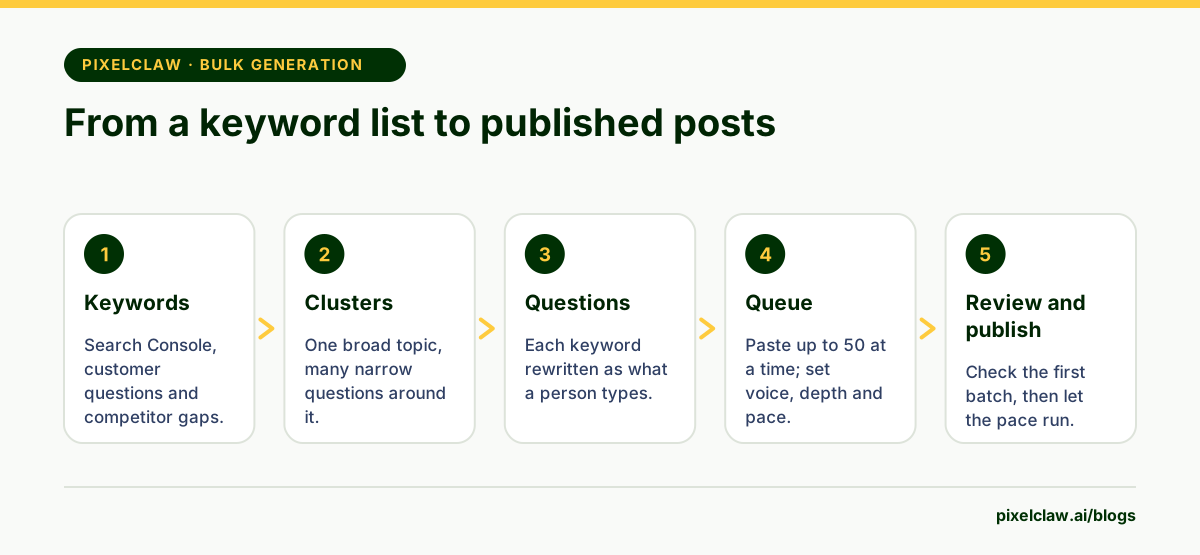
Start with what you already rank for. Google Search Console's performance report shows the queries your site appears for, including many you never targeted on purpose. Add the questions customers ask in emails and sales calls. Then add the gaps: searches your competitors rank for and you don't. PixelClaw's Competitors tab lists those on plans with competitor gaps, and its Keywords tab looks up approximate monthly searches for the phrases you choose.
Aim for a list of fifty to two hundred phrases for a first pass. You will cut it down.
Step 2: Group the keywords into clusters
A cluster is a broad topic with a set of narrower questions around it. "Heat pump installation" might be the broad topic; costs, sizing, rebates, noise and maintenance are the narrower questions. Each becomes its own article, and they all link to each other.
Clustering before writing does two things. It stops you writing two articles for the same search, which splits clicks and confuses search engines. And it gives every new article something to link to on the day it is published, so nothing goes live orphaned.
Pick one cluster for the first batch. Finishing a cluster beats starting five.
Step 3: Turn each keyword into a question
Keywords make poor briefs. "Heat pump noise" could become a buying guide, a troubleshooting article or a neighbour-dispute explainer. "How loud is a heat pump compared to an air conditioner" can only become one article, and an AI writer will write it far better.
Rewrite each keyword as the question a person would type, in their words. Where you have an angle only your business can offer, add it: "How loud is a heat pump, with readings from twelve installs in Ohio". That angle is what makes bulk articles feel written rather than generated.
Step 4: Queue the batch
Now the bulk part. In PixelClaw, open Autopilot and paste the questions into the topic box, one per line, up to 50 at a time; the queue holds up to 200. Choose the brand voice the batch should use and how deep the research should go.
Set the pace: how many posts a week and on which days. Autopilot writes each article about a day before its slot, so the batch is spread over the weeks you choose rather than written all at once. Leave publishing on approval for the first batch, so every article waits for you before it goes live.
Step 5: Review the first batch like an editor
Read the first ten articles closely, in full. You are not just checking them; you are checking the inputs that produced them.
If several articles describe your services wrongly, fix the business profile once instead of editing ten posts. If the tone is off, adjust the brand voice. If articles answer a different question from the one you meant, rewrite the remaining questions in the queue. Each fix improves every article that follows.
Check the facts in each article yourself: prices, names, dates, product details. PixelClaw's score checks structure, sources and discoverability, and it tells you exactly which checks failed, but it cannot tell whether a claim is true.
Step 6: Scale up on a schedule
Once the first batch needs light edits or none, widen the pipe. Queue the next cluster. Turn on Autopilot's topic sources so the queue refills from your saved keywords, research ideas and, on plans with competitor gaps, competitor searches. Consider switching to automatic publishing, where posts that score 77 or more and pass every publication check go live on their own.
Keep the pace steady. Two to seven posts a week builds coverage fast enough for most businesses, and no PixelClaw blog publishes more than 14 Autopilot posts a week whatever the plan. Steady output also gives Search Console time to show what is working.
Step 7: Refresh what slips
Bulk generation creates a lot of pages to look after. Once a month, look at which articles are losing readers and refresh them with new facts, a better title or a merged section. A blog that only adds articles slowly fills up with stale ones; a blog that refreshes its best ones keeps them earning.
For the tools that generate articles in bulk and how they compare on batch size, quality checks and price, see the best AI writer for bulk blog posts.
- Build the keyword list from real demand: Search Console, customer questions and competitor gaps.
- Group keywords into clusters before writing, so articles support each other instead of competing.
- Queue questions, not keywords: a specific question produces a far better article.
- Review the first batch closely and fix the inputs, not every article.
- Publish at a steady weekly pace and refresh what slips, rather than releasing everything at once.
Frequently Asked Questions
How many articles should I generate in one batch?+
Enough to cover one topic cluster, usually ten to thirty. A cluster gives every article something to link to, and a batch of that size is small enough to review properly before you scale up.
How do I avoid duplicate content when generating in bulk?+
Remove near-identical questions from the list, check whether an existing post already answers each one, and give every article its own angle. Two posts chasing the same search split the traffic between them.
How long does it take to generate articles in bulk?+
Each article takes minutes to research, write and score. In PixelClaw, Autopilot writes each one about a day before its publishing slot, so a batch of thirty spreads across the weeks you schedule rather than finishing in an afternoon.
Which keywords should go in the first batch?+
Specific questions close to what you sell, with clear search demand and modest competition. They are the fastest to rank and the most likely to bring customers, which pays for the batches that follow.
Sources
- Spam policies for Google web search — Google Search Central
- Search Engine Optimization (SEO) Starter Guide — Google Search Central
- Performance report (Search Console Help) — Google
Built & scored using PixelClaw.ai
More from this blog
Continue exploring autoblogging architecture, AI blog writing, and SEO / AEO / GEO playbooks.
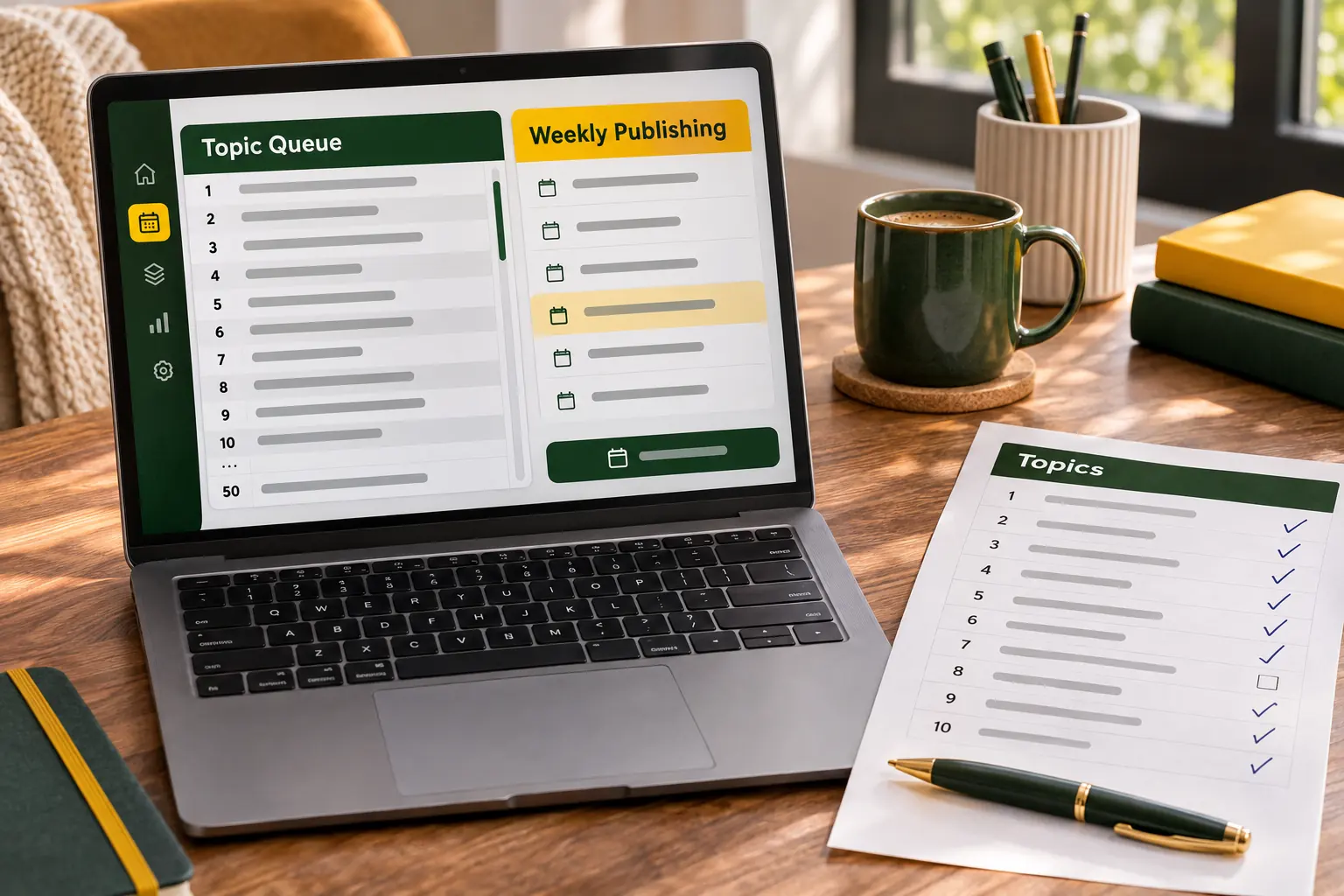
Bulk Article Generator: Queue 50 Topics at Once, Publish on a Safe Schedule
How PixelClaw turns a list of topics into researched, scored articles, why it releases them at a weekly pace instead of all at once, and what bulk generation costs.
PixelClaw Editorial Team
Product and search team

How to Use the Bulk Writer in PixelClaw: Autopilot, the Topic Queue and Your Schedule
A step-by-step walkthrough of PixelClaw's bulk writer: adding topics, setting the pace and days, choosing voice and research depth, approval or automatic publishing, and keeping the queue full.
PixelClaw Editorial Team
Product and search team
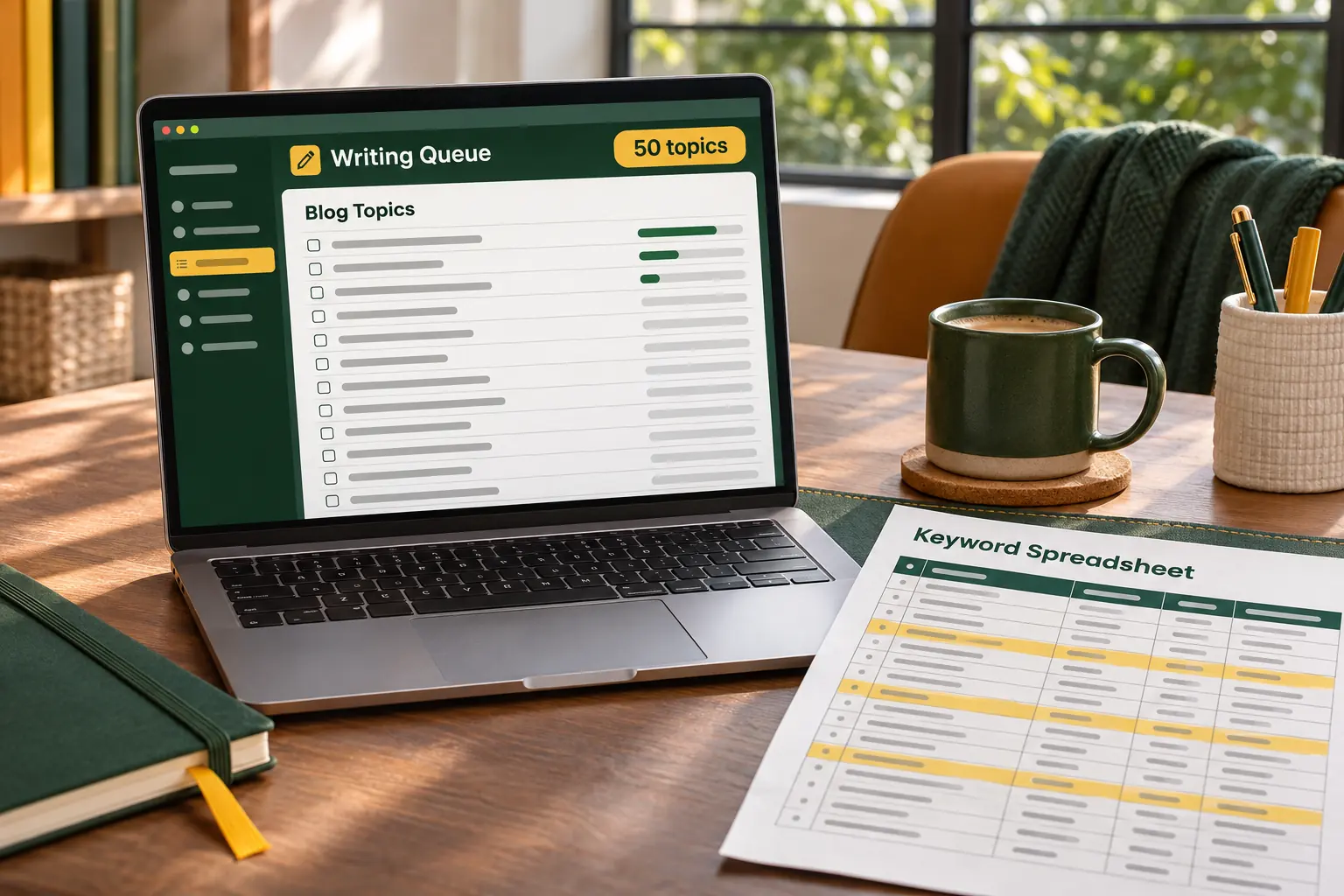
The Best AI Writer for Bulk Blog Posts, Without Tripping Google's Spam Rules
Bulk blog posts are easy to generate and easy to get wrong. Six AI writers compared on batch size, publishing pace, quality checks and price, plus the habits that keep bulk publishing safe.
PixelClaw Editorial Team
Product and search team