Tool comparison
Tool comparisonBest Programmatic SEO Tools, and How to Keep Template Pages Out of Doorway Territory
Programmatic SEO turns one template and a dataset into hundreds of pages. Six tools for building them, from spreadsheet sync to AI page agents, and the rules that keep those pages useful.

On this page▸
The best programmatic SEO tools depend on where your data and site live. Whalesync syncs a spreadsheet into Webflow, Framer or WordPress; WP All Import turns data files into WordPress pages; Byword and SEOmatic fill page templates with AI. Each page still needs data no other page has, or it reads as a doorway page.
What programmatic SEO is, and where it goes wrong
Programmatic SEO means building pages from a template and a dataset instead of writing each one. An integrations directory, a page per city for a local service, a comparison page for every pair of products, a currency or unit converter for every pair: each is one design repeated hundreds of times with different data. Done well, every page answers a search nobody else answers as precisely.
Done badly, it is the pattern Google's spam policies call doorway abuse: many similar pages built to rank for similar searches, each less useful than one good page would be. The difference is rarely the tool. It is whether each row of your dataset holds something worth a page of its own.
We compared six tools across the common routes. PixelClaw is our product and is not a template tool; we include it to show where it fits. Everything else was read from each vendor's own site on November 5, 2026.
| Tool | How pages are made | Publishes to | From (own site) |
|---|---|---|---|
| Whalesync | Rows in Airtable, Google Sheets, Notion or Postgres sync to CMS items | Webflow, Framer, WordPress, Wix, Sanity | $20 a month ($16 yearly), up to 2,000 records |
| Webflow CMS | Collections fill a page template | Webflow hosting | Premium site plan $39 a month ($25 yearly), 20,000 CMS items |
| WP All Import | CSV, XML, Excel or Google Sheets mapped to posts and fields | WordPress, WooCommerce | Licences in transition on its site; 90-day refund |
| Byword | AI writes an article per row or keyword | WordPress, Webflow, Ghost, HubSpot, Sheets, webhooks | $99 a month for 25 articles |
| SEOmatic | AI agents fill page templates | WordPress, Shopify, Webflow, Framer and more | Templates on Scale, $249 a month |
| PixelClaw | No templates: one researched post per topic | Its own hosted blog | Free; $49.99 a month |
Whalesync and Webflow: pages from a spreadsheet
The no-code route pairs a database with a CMS. You keep the data in Airtable or Google Sheets, design one template in Webflow, and Whalesync keeps the two in sync both ways, so editing a row edits the page. Whalesync starts at $20 a month, or $16 billed yearly, for up to 2,000 records, with a 7-day trial and no card.
On the Webflow side, the Premium site plan at $39 a month, or $25 billed yearly, allows 20,000 CMS items; the Basic plan has no CMS at all. Localize adds other languages from $9 a month.
Watch out for: Whalesync only moves data. The text on each page has to come from your spreadsheet, which is exactly where the work is.
WP All Import: programmatic pages in WordPress
In WordPress, the long-standing route is WP All Import. You map columns from a CSV, XML, Excel file or Google Sheet onto posts, pages, custom post types and custom fields with drag and drop, including Yoast, Rank Math and WooCommerce fields, and you can re-run imports on a schedule to update existing pages.
Its site carries a 90-day money-back guarantee. On the day we read it, the site showed two different price tables and a banner saying all plugins currently come with a lifetime licence, so check the price at checkout.
Watch out for: it imports whatever you give it. It does not judge whether a page is thin.
Byword and SEOmatic: AI fills the template
Byword writes an article for each row or keyword in a batch and connects to Google Sheets, Airtable, WordPress, Webflow, Ghost and HubSpot. It prices per article: $99 a month for 25, with extras at $3.50, and $299 for 80. SEOmatic's agents read your Search Console data and can publish anything from one post to hundreds of landing pages; page templates come with its Scale plan at $249 a month, and changes are supervised by default.
Watch out for: AI-filled templates carry the highest doorway risk. If the data behind two pages is the same, rewording it does not make them two useful pages.
Where PixelClaw fits, and where it does not
PixelClaw is not a programmatic SEO tool, and we would not use it for five thousand city pages. It writes researched posts one topic at a time: each topic gets its own research of the ranking pages and reader questions, its own outline and draft, a hero image and a score before it can publish.
What it does offer is coverage at scale without templates. You can paste up to 50 topics at once into Autopilot's queue, which holds 200, and on Starter and higher plans its REST API and MCP server can start research, outline, draft and image jobs and create posts from your own code. Autopilot never publishes more than 14 posts a week on a blog, which keeps that coverage at a pace a team could plausibly write.
Rules that keep programmatic pages useful
Before you generate anything, look at your dataset and ask how many rows would make a page you would be glad to land on. Then hold every batch to a few rules. Test the first batch for a few weeks and watch Search Console: pages Google crawls but leaves out of the index are telling you something about the batch.
For topic planning before any of this, see our topical map generator, and for publishing many posts across blogs safely, AI content at scale.
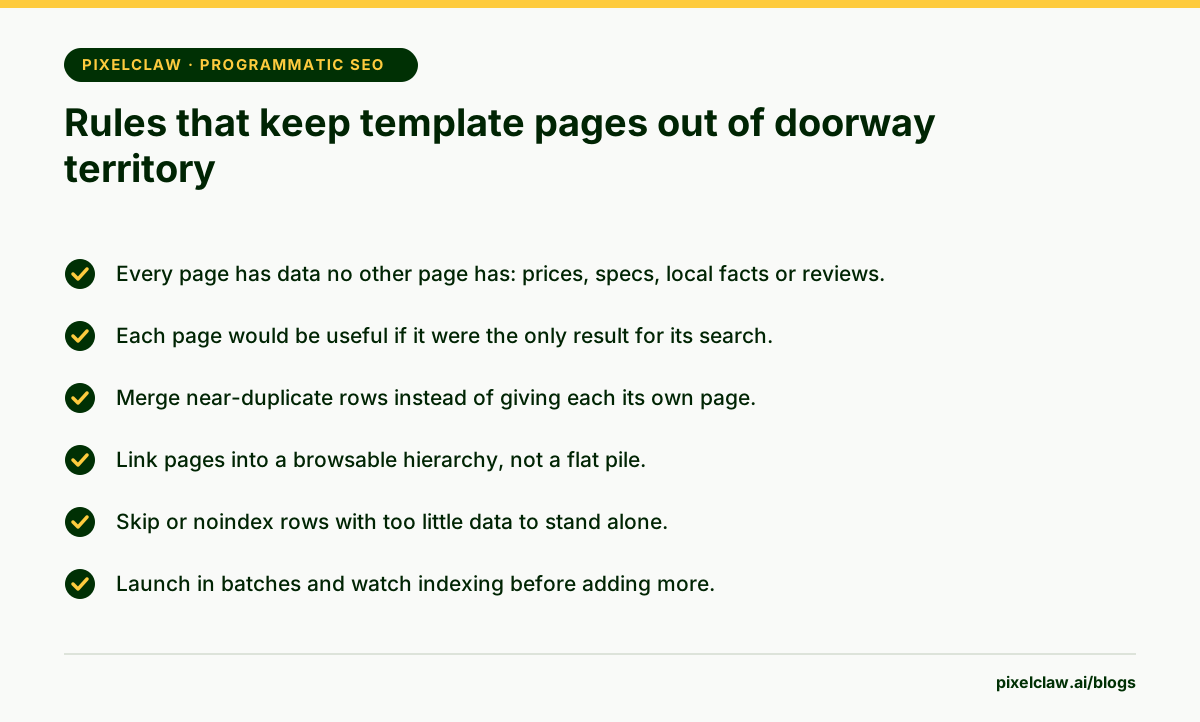
- Programmatic SEO builds many pages from one template and a dataset; the data, not the template, makes each page worth indexing.
- Whalesync and Webflow suit no-code teams: rows in Airtable or Google Sheets become CMS pages.
- WP All Import is the WordPress route: map a CSV, XML or Google Sheet onto posts and custom fields.
- Byword and SEOmatic use AI to fill templates, which is where the risk of near-duplicate pages is highest.
- Google's spam policies name doorway pages: many similar pages built to rank for similar searches. Launch in batches and watch indexing.
Frequently Asked Questions
What are programmatic SEO tools?+
Tools that create many pages from a template and structured data, such as a page per integration, city, product pair or currency. Some sync a spreadsheet into a CMS, some import data files, and some use AI to write the text around the data.
Is programmatic SEO against Google's guidelines?+
No. What Google's spam policies target are doorway pages and content made at scale mainly to rank: many similar pages that are less useful than a single destination would be. Programmatic pages that each answer a distinct need with distinct data are fine.
How many programmatic pages should I launch at once?+
Start with a batch you can check by hand, often 50 to 100 pages. Watch how many Google indexes over the next few weeks in Search Console. A large share left as crawled but not indexed usually means the pages are too thin or too similar.
Can AI write programmatic SEO pages?+
It can write the text around the data, and tools like Byword and SEOmatic do. But rewording identical facts on every page does not make the pages different. Unique data per page matters more than unique sentences.
Sources
- Spam policies for Google web search: doorway abuse — Google Search Central
- Whalesync pricing — Whalesync (Read November 5, 2026.)
- Webflow pricing — Webflow (Read November 5, 2026.)
- WP All Import pricing — WP All Import (Read November 5, 2026.)
- Byword pricing — Byword (Read November 5, 2026.)
- SEOmatic — SEOmatic (Read November 5, 2026.)
Built & scored using PixelClaw.ai
More from this blog
Continue exploring autoblogging architecture, AI blog writing, and SEO / AEO / GEO playbooks.
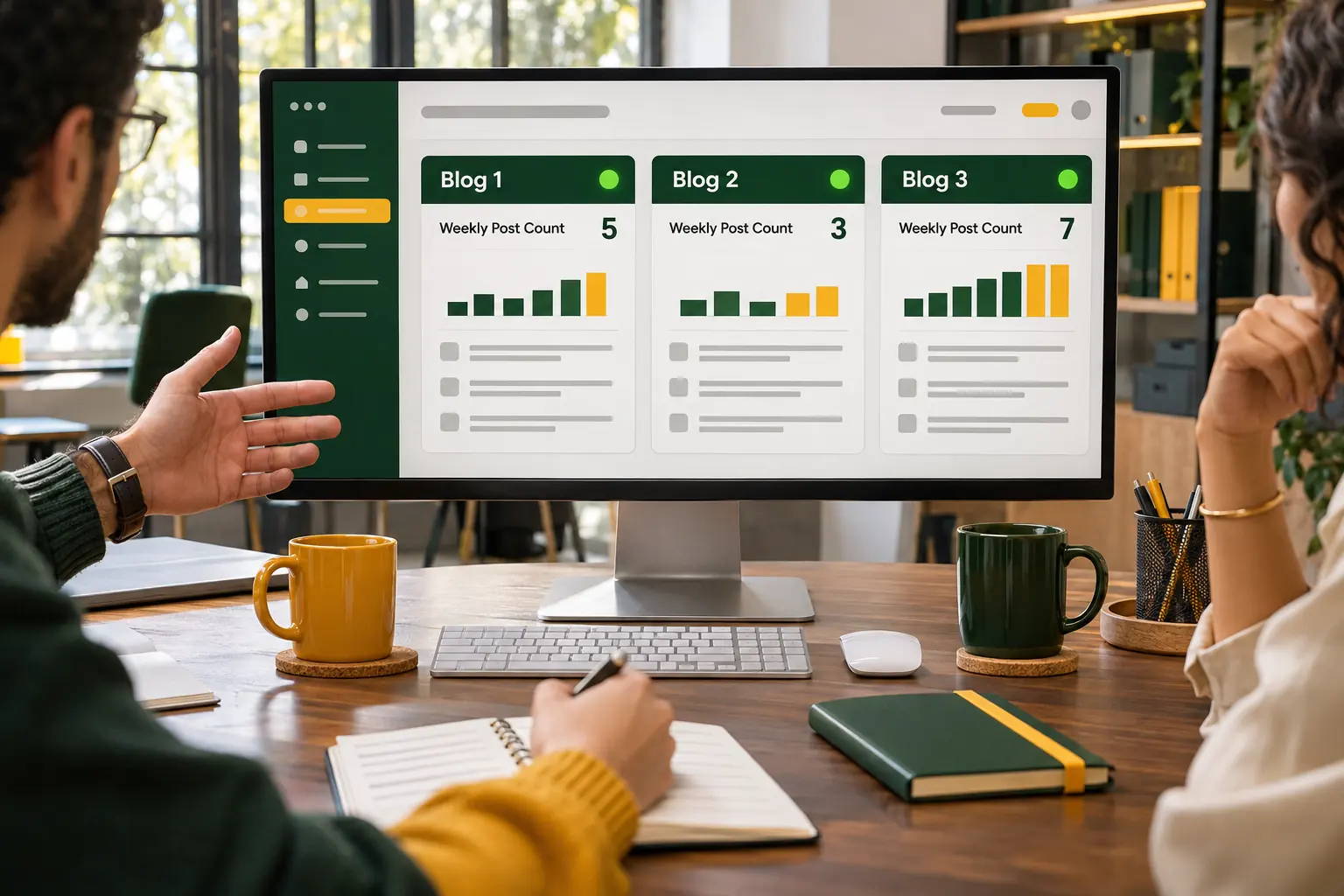
AI Content at Scale: Publishing More Without Being Flagged for Scaled Content Abuse
How to run AI content at scale across several blogs and a team without tripping Google's scaled content abuse policy: pace, quality bars, roles, APIs and the numbers that matter.
PixelClaw Editorial Team
Product and search team
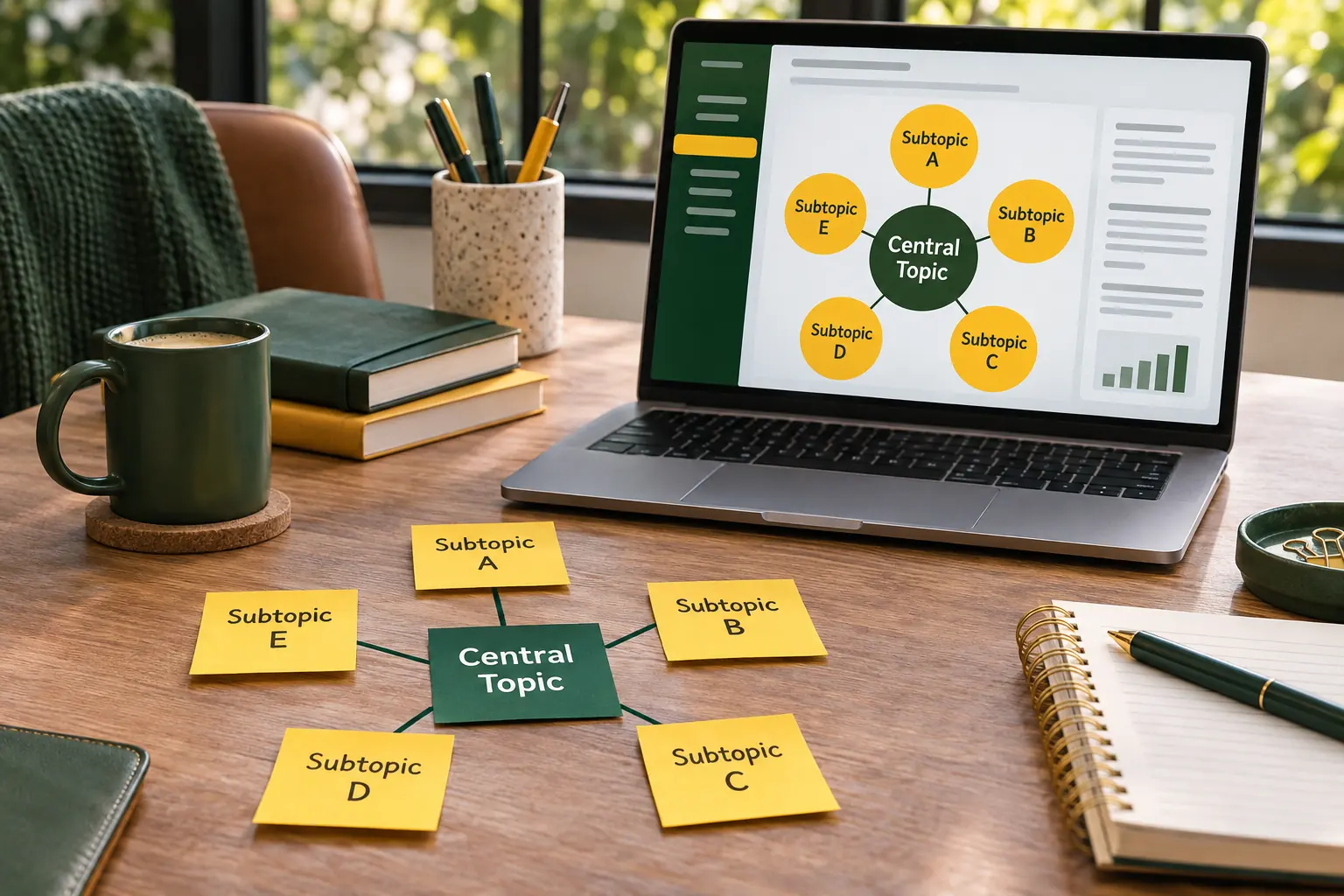
Topical Map Generator: Build a Topic Cluster From Your Keywords, Questions and Gaps
What a topical map is, how to build one that a blog can actually follow, and how PixelClaw's keywords, reader questions, ideas and competitor gaps supply the pieces.
PixelClaw Editorial Team
Product and search team

Bulk Blog Generators Compared by How You Pay: Packs, Plans, Lifetime Deals or Your Own Keys
Bulk blog generators cost very different amounts depending on how you buy them. One-time packs, monthly plans, lifetime deals and your own AI keys each suit a different publishing rhythm.
PixelClaw Editorial Team
Product and search team