Bulk article generation
How-to guideBulk Article Generator: Queue 50 Topics at Once, Publish on a Safe Schedule
How PixelClaw turns a list of topics into researched, scored articles, why it releases them at a weekly pace instead of all at once, and what bulk generation costs.
On this page▸
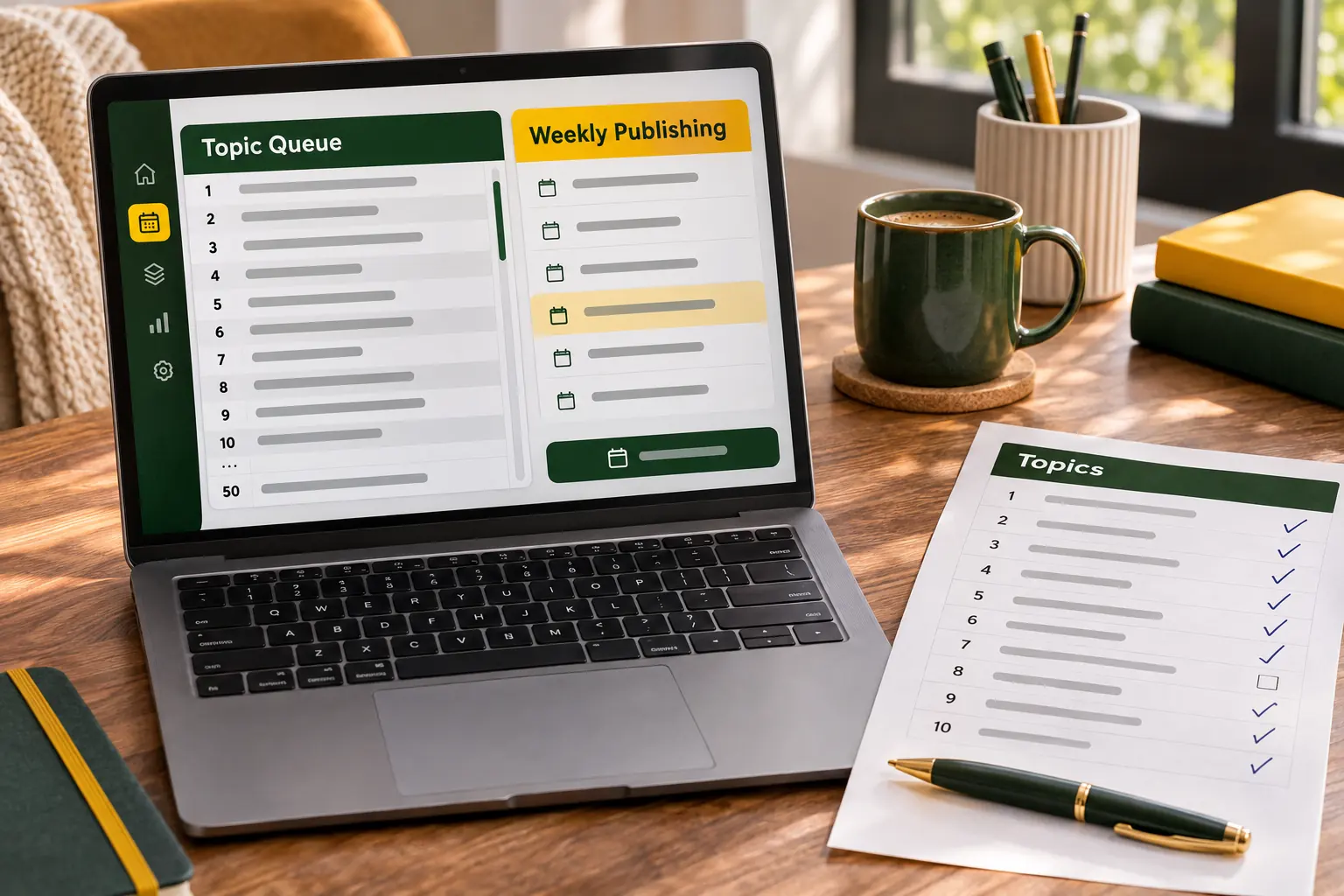
A bulk article generator turns a list of topics into finished articles without writing each one by hand. PixelClaw's version takes up to 50 topics at a time, holds 200 in a queue, researches and drafts each one, scores it, and releases posts at a weekly pace you set, so volume never turns into spam.
What a bulk article generator does, and what most get wrong
Every bulk article generator promises the same thing: give it a list, get articles back. The differences are in what happens between the list and the articles, and in what happens after.
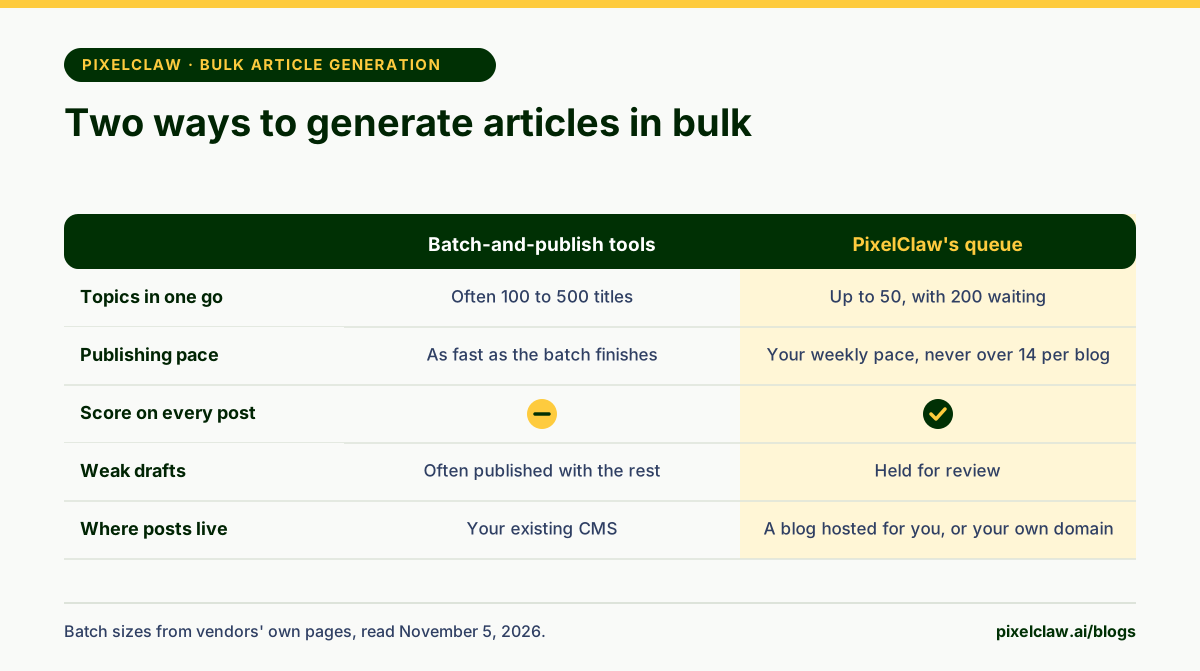
The common design is batch-and-publish. You paste a long list of titles, sometimes hundreds, the tool writes them all, and then posts them to your site as fast as it can. Autoblogging.ai, for example, advertises up to 500 titles per bulk batch. That is a lot of writing in one go, and for some sites it is exactly what they want.
The problem is what Google calls scaled content abuse: many pages produced mainly to manipulate rankings, however they were made. A blog that grows by 300 posts in a weekend looks like that whether or not every post is decent. A bulk article generator worth using should make volume easy without making it reckless.
How PixelClaw's bulk article generator works
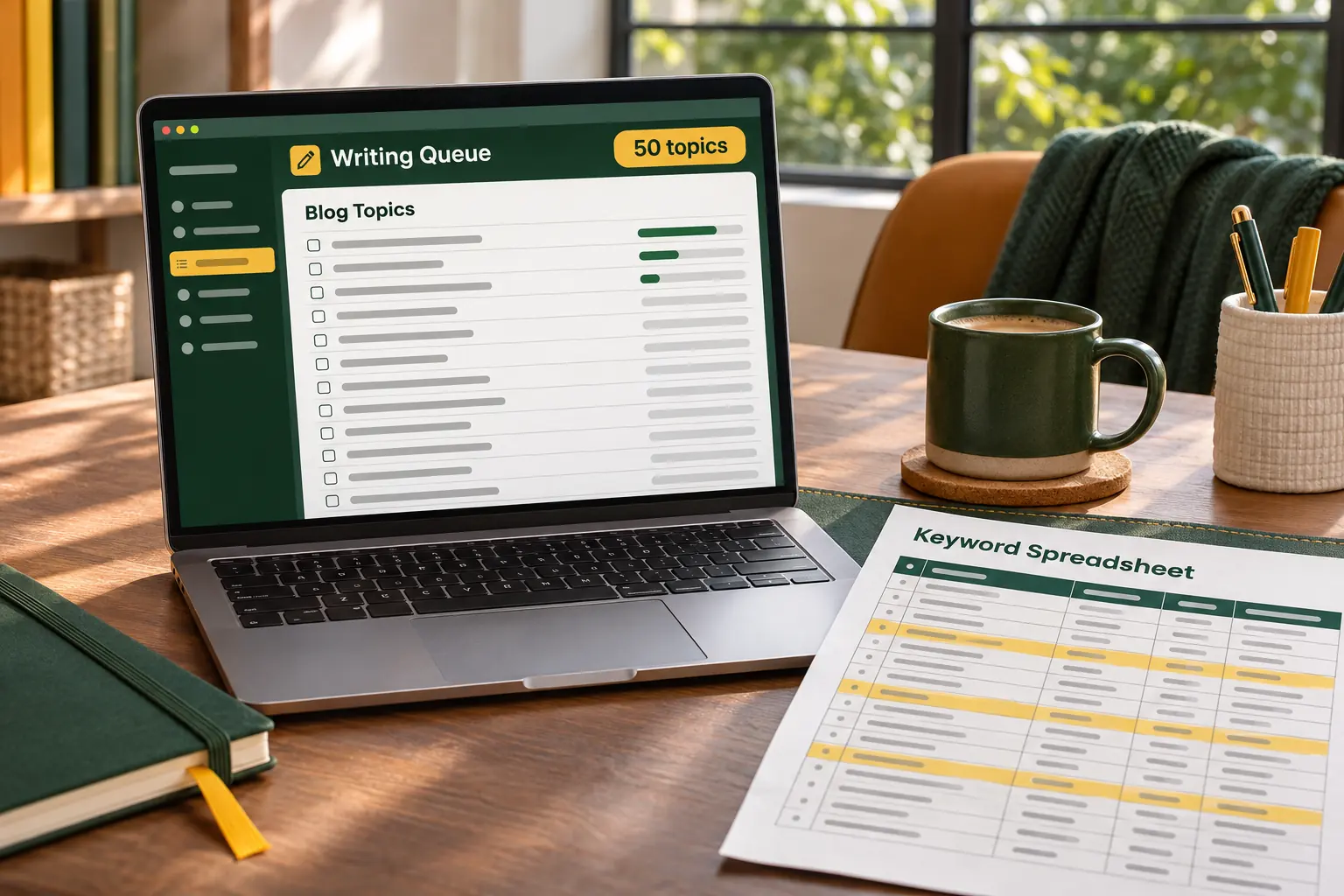
In PixelClaw, bulk generation lives in Autopilot. You paste topics into the queue, up to 50 at a time, one per line, and the queue holds up to 200. You can also click Suggest topics and pick from the ideas it offers.
Each topic then goes through the full pipeline on its own. Autopilot researches the pages that rank and the questions readers ask, picks the keyword when the topic runs, builds an outline, writes the draft in your brand voice, makes a hero image with alt text, and scores the result out of 100 across SEO, AEO, AIO, GEO and SXO. Its repair pass fixes what the score flags, at no extra charge.
Posts are written about a day ahead of their publishing slot, which leaves room for a retry and for you to read them. When the queue runs low, Autopilot can refill it from your saved keywords, from research ideas that no post covers yet, and on plans with competitor gaps, from searches your competitors rank for that you don't.
Why PixelClaw paces bulk articles instead of dumping them
Each plan sets how many posts Autopilot may publish on each blog per week: one on Free, two on Starter, seven on Pro. Buying extra credits lifts any blog to 14, and nothing lifts it past 14. We set that ceiling on purpose, because a business blog publishing several times a day reads as content made to rank, and that is what Google's spam policies go after.
Pace also helps the articles themselves. A post published on Tuesday can be linked from Thursday's post. Search Console data from week one tells you which topics to push in week three. A blog that releases 200 articles at once never gets that feedback.
The ceiling applies to Autopilot only. Posts you publish yourself, or send in through the API, are up to you, and you are responsible for the pace.
Quality control when you generate articles in bulk
The risk with any bulk AI writer is that quality drifts and nobody notices until traffic drops. PixelClaw puts two gates in the way.
The first is the score. Every draft is checked against the same rules the editor shows: keyword placement, title and description length, an opening answer, an FAQ, sources, internal links, image descriptions and more. In approval mode, which is the default, every finished post waits for you. In automatic mode, a post goes live only if it scores 77 or more and passes the remaining publication checks; anything else is held in Needs review.
The second gate is you, at the start. Read the first ten articles from a new queue closely. If they need heavy edits, fix the inputs, the brand voice, the business profile or the topic wording, rather than editing every post. Then the rest of the batch improves without extra work.
What bulk article generation costs
A standard PixelClaw article's credits cover research, the outline, the draft with its polish pass, and the hero image. Autopilot's automatic repairs are included in that price.
Here is how that fits the plans. The Free plan's 50 credits a month cover two articles. Starter at $49.99 a month includes 250 credits and Pro at $99.99 includes 1,000; each plan also includes a set number of articles, listed on the pricing page, and articles beyond it are paid for with bought credits. Bought credits carry over until you use them, and while you have them, any blog can run at up to 14 posts a week.
If you connect your own AI provider key, the writing uses no credits; add your own Firecrawl key and research uses none either, and your own OpenAI or Google key covers images. That cuts the cost of each article to your providers' rates. Your plan still sets how many articles you keep, and bought credits pay for any beyond it.
Before you paste 200 topics into any bulk generator
Spend twenty minutes on the list before spending credits on it. Remove topics that are the same question in different words. Group the rest into clusters, so each batch covers one subject well instead of fifty subjects badly. Rewrite vague topics as the questions people actually type.
Then start smaller than you think. Fifty well-chosen topics, released over a few months and linked into clusters, will usually do more for a blog than five hundred released in a week. Our step-by-step guide to generating articles in bulk walks through the whole process, and how to use the bulk writer shows each Autopilot setting.
- PixelClaw queues up to 50 topics in one go and holds up to 200 waiting topics per blog.
- Every article is researched, outlined, drafted, given a hero image and scored before it can publish.
- Posts are released at a weekly pace, never more than 14 a week per blog, because Google's spam policies target volume made to rank.
- Weak drafts are held for review instead of being published with the rest of the batch.
- Each standard article is paid from your plan's credits, or uses no credits when you run the work on your own AI keys.
Frequently Asked Questions
How many articles can I generate at once?+
You can add up to 50 topics in one go and keep up to 200 in the queue. PixelClaw writes each one ahead of its publishing slot rather than all at the same moment, so the queue empties at the pace you set.
Can I import topics from a spreadsheet?+
Copy the column from your spreadsheet and paste it into the topic box: each line becomes one topic. There is no separate file upload, and the 50-at-a-time limit applies to each paste.
Will bulk-generated articles repeat each other?+
Not if the topics don't. Each topic is researched and written separately, and Autopilot's own topic sources skip ideas that an existing post already covers. Check your list for near-duplicate questions before pasting it in.
Do bulk articles get images?+
Yes. Every AI-written article gets a hero image with alt text, made on PixelClaw's image model or on your own OpenAI or Google key.
Can I check articles before they are published?+
Yes, and that is the default. Each finished article waits for your approval, booked for its publishing time. Switch to automatic publishing only when you are happy with what the queue produces.
Sources
- Spam policies for Google web search: scaled content abuse — Google Search Central
- Google Search's guidance about AI-generated content — Google Search Central Blog
- Autoblogging.ai pricing and bulk generation — Autoblogging.ai (States up to 500 titles per bulk batch; read on November 5, 2026.)
Built & scored using PixelClaw.ai
More from this blog
Continue exploring autoblogging architecture, AI blog writing, and SEO / AEO / GEO playbooks.

How to Generate Articles in Bulk With AI, From Keyword List to Published Posts
A seven-step process for turning a keyword list into a batch of articles that rank: clusters first, questions second, a careful first batch, then a steady publishing pace.
PixelClaw Editorial Team
Product and search team

How to Use the Bulk Writer in PixelClaw: Autopilot, the Topic Queue and Your Schedule
A step-by-step walkthrough of PixelClaw's bulk writer: adding topics, setting the pace and days, choosing voice and research depth, approval or automatic publishing, and keeping the queue full.
PixelClaw Editorial Team
Product and search team
The Best AI Writer for Bulk Blog Posts, Without Tripping Google's Spam Rules
Bulk blog posts are easy to generate and easy to get wrong. Six AI writers compared on batch size, publishing pace, quality checks and price, plus the habits that keep bulk publishing safe.
PixelClaw Editorial Team
Product and search team