Images
How-to guideAI Blog Post Generator With Images: Hero Art, Alt Text and Share Cards Done for You
How PixelClaw makes the pictures for each post as it writes it: a hero image sized for the page, alt text from a model that looks at the picture, and a share card for social links.
On this page▸
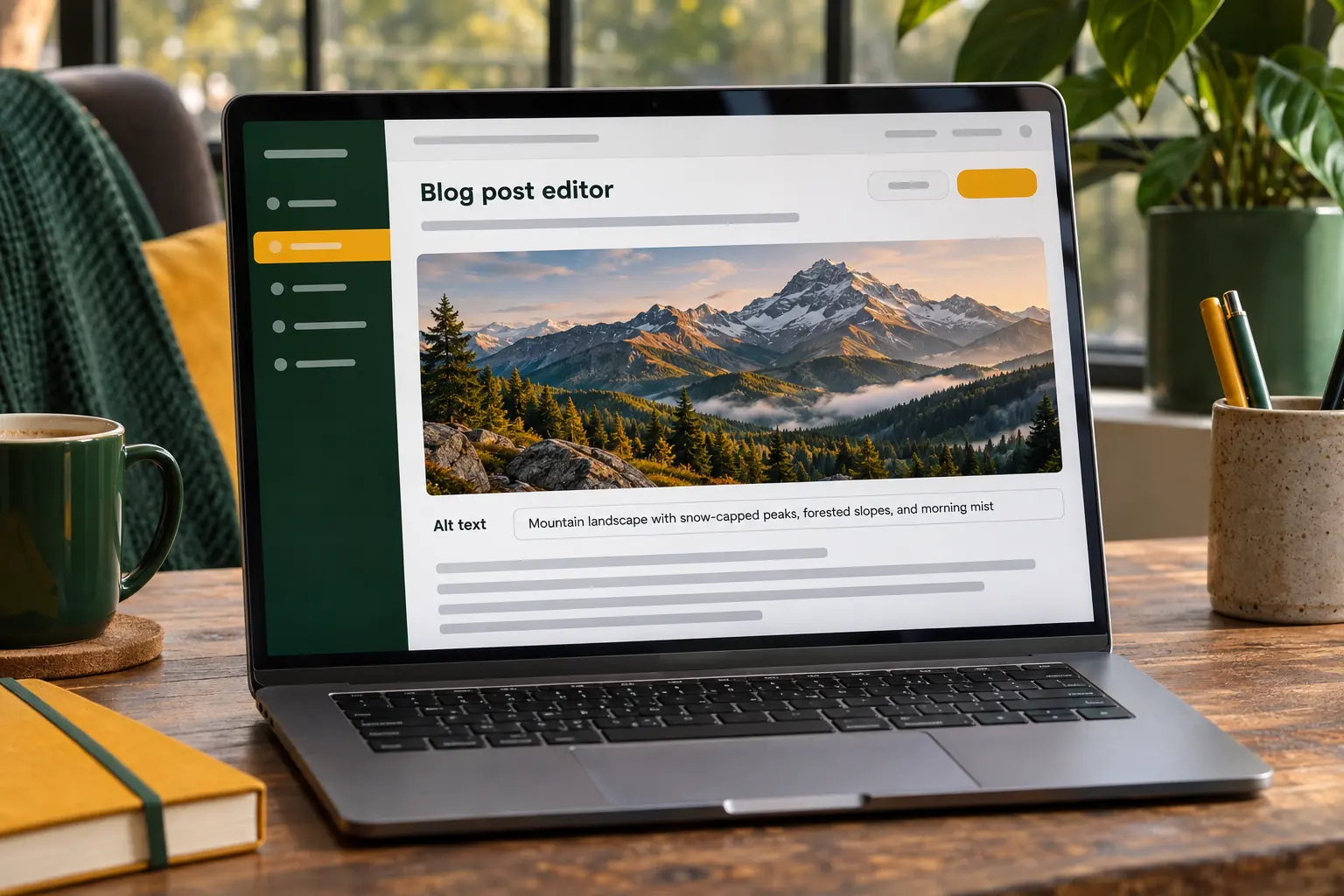
An AI blog post generator with images writes the post and makes its pictures in the same run. In PixelClaw, every AI-written post gets a hero image sized for the page, alt text written by a model that looks at the picture, and a share card for social links, with no stock photo hunting.
Why a blog post generator should make images too
A post without a picture looks unfinished on a blog page, gets a bare text card when someone shares it, and misses out on image search. A post with a stock photo of people high-fiving looks worse. That is why picture-hunting so often becomes the step that delays publishing by a day.
An AI blog post generator with images removes that step. The picture is made from the post itself, in the same run as the writing, at the right size, with a description. The post is finished when the draft is finished.
Images also matter for search. Google's image SEO guidance asks for relevant pictures near the text they illustrate, descriptive alt text and pages that load quickly. Done automatically, those are free points on every post.
What PixelClaw's AI blog post generator makes with each post
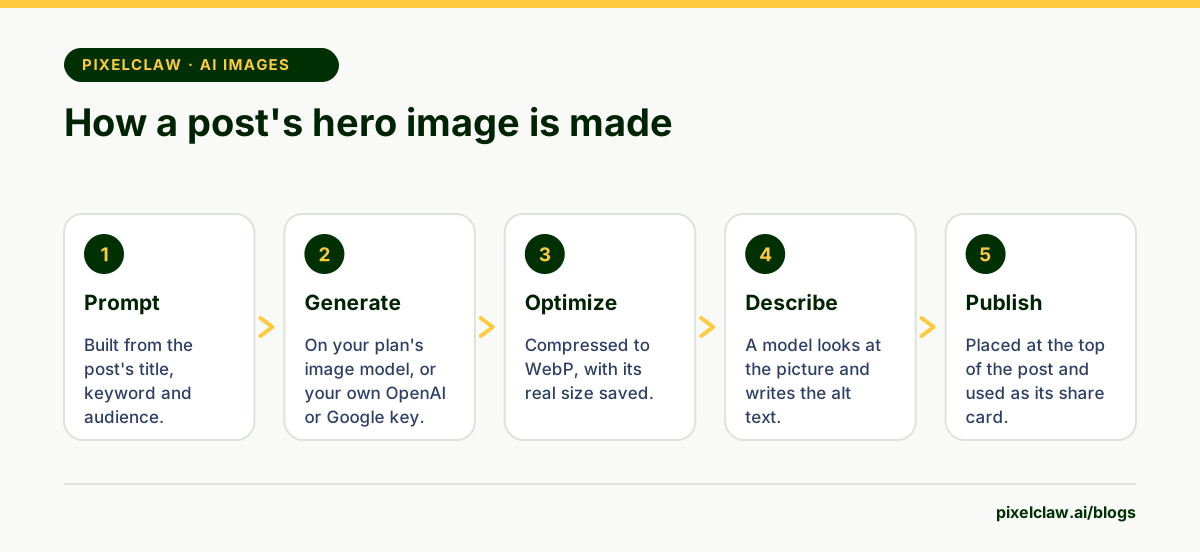
Every AI-written post gets a hero image at the top. It is generated from a prompt built from the post's title, keyword and audience, on the image model included with your plan or on your own OpenAI or Google key.
The picture is then compressed to WebP, stored with its real width and height, and catalogued in your media library. A model that is shown the picture writes its alt text, so the description matches what is actually in the image rather than what the post is about.
The same picture becomes the post's share image, the card people see when the link is posted on social networks or in chat apps. And if you want more pictures, Create an image in the editor makes one for any section.
Alt text done right, automatically
Alt text is the description a screen reader speaks to someone who cannot see the picture, and the text search engines read to understand it. The W3C's guidance is to describe what the image shows and why it is there, briefly, without starting with "image of".
Most AI tools skip alt text or fill it with the post's title. PixelClaw's approach is different: the writing model is shown the finished picture and asked to describe it. The result reads like "A wooden recipe box packed with index cards, a few pulled up", which is what a sighted reader actually sees.
PixelClaw's score also flags any image in a post that has no description or no saved size, so pictures you add by hand get the same care.
What images cost, and running them on your own keys
A hero image is part of a post's credits, and Create an image costs the same as one hero. If the post already has a picture, no hero is generated and nothing is charged for it.
Connect your own OpenAI or Google key and images run on your account instead, using no PixelClaw credits. That suits blogs that make a lot of pictures, or teams that already pay for an image model they like. You choose the model per blog in Settings.
What happens when no image can be made
Sometimes an image cannot be generated: a provider is down, a key has run out, or credits are spent. PixelClaw never stops the post for that, and never inserts a placeholder into it. The post is saved without a hero, with a note saying why, and you can add a picture later.
Shares still look right. The share card falls back to your blog's logo, set in Brand settings, and to PixelClaw's mark if you have no logo yet. So a link posted on social media always carries a real image.
Images and page speed
Pictures are the heaviest thing on most blog pages, and a slow page loses readers. PixelClaw stores images as compressed WebP, saves each one's real dimensions so the browser reserves space before it loads, and loads pictures further down the page as readers scroll.
If you add your own photos, upload the largest sensible size and let PixelClaw compress them; there is no need to resize or convert anything by hand before uploading. For more on images as part of the reader's experience, read our guide to SXO blogs.
- Every AI-written PixelClaw post gets a hero image, which also becomes its picture when the link is shared.
- Alt text is written by a model that is shown the picture, not guessed from the post's title.
- A hero image is part of a post's credits on PixelClaw's image model, and uses no credits on your own OpenAI or Google key.
- Images are stored as compressed WebP with their real size saved, so pages load fast and don't jump.
- When no image can be made, shares fall back to your logo; no placeholder is put in the post.
Frequently Asked Questions
Do AI-generated blog images need a credit line?+
There is no general legal requirement to credit an AI image you generated, but check the terms of the image model you use. Some blogs add a short note in their editorial policy saying that illustrations are AI-generated, which costs nothing and answers the question before readers ask it.
Which AI image models does PixelClaw use?+
By default, the image model included with your plan. If you connect your own key, posts can use OpenAI's GPT Image models or Google's Gemini image models, and those pictures use no PixelClaw credits.
Can I replace the AI hero image with my own photo?+
Yes. A post that already has a picture keeps it as the hero, and you can swap any image from the media library in the editor.
Are AI images good for SEO?+
They help when they are relevant, compressed, sized and described. Google's image guidance asks for descriptive alt text and file names, and pages that load fast. A generic image with no description helps nobody.
Can I add more than one AI image to a post?+
Yes. Use Create an image in the editor to make another picture for any section; it costs the same as a hero image on PixelClaw's model.
Sources
- Google image SEO best practices — Google Search Central
- Images: alt text (WCAG tutorial) — W3C Web Accessibility Initiative
- The Open Graph protocol — ogp.me
Built & scored using PixelClaw.ai
More from this blog
Continue exploring autoblogging architecture, AI blog writing, and SEO / AEO / GEO playbooks.
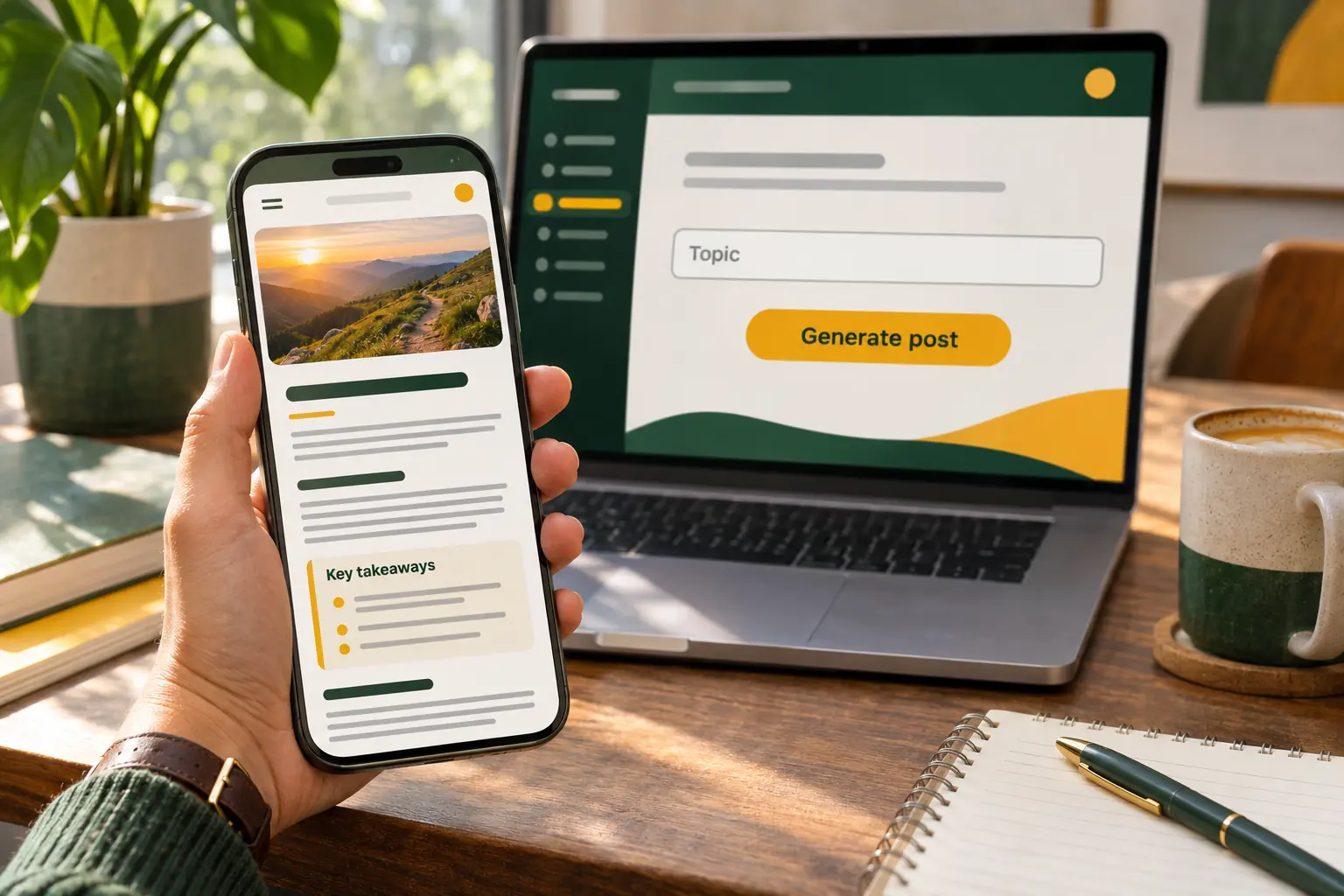
AI Blog Post Generator: From One Topic to a Publish-Ready Post
What a generated post should contain before you call it finished, how PixelClaw builds each part from one topic, and how long and how much it takes.
PixelClaw Editorial Team
Product and search team

SXO Blogs: Search Experience Optimization for Posts People Actually Finish
Search experience optimization for bloggers: speed, skimmable structure, images that help, mobile reading and a clear next step, so the visitors you rank for stay and act.
PixelClaw Editorial Team
Product and search team
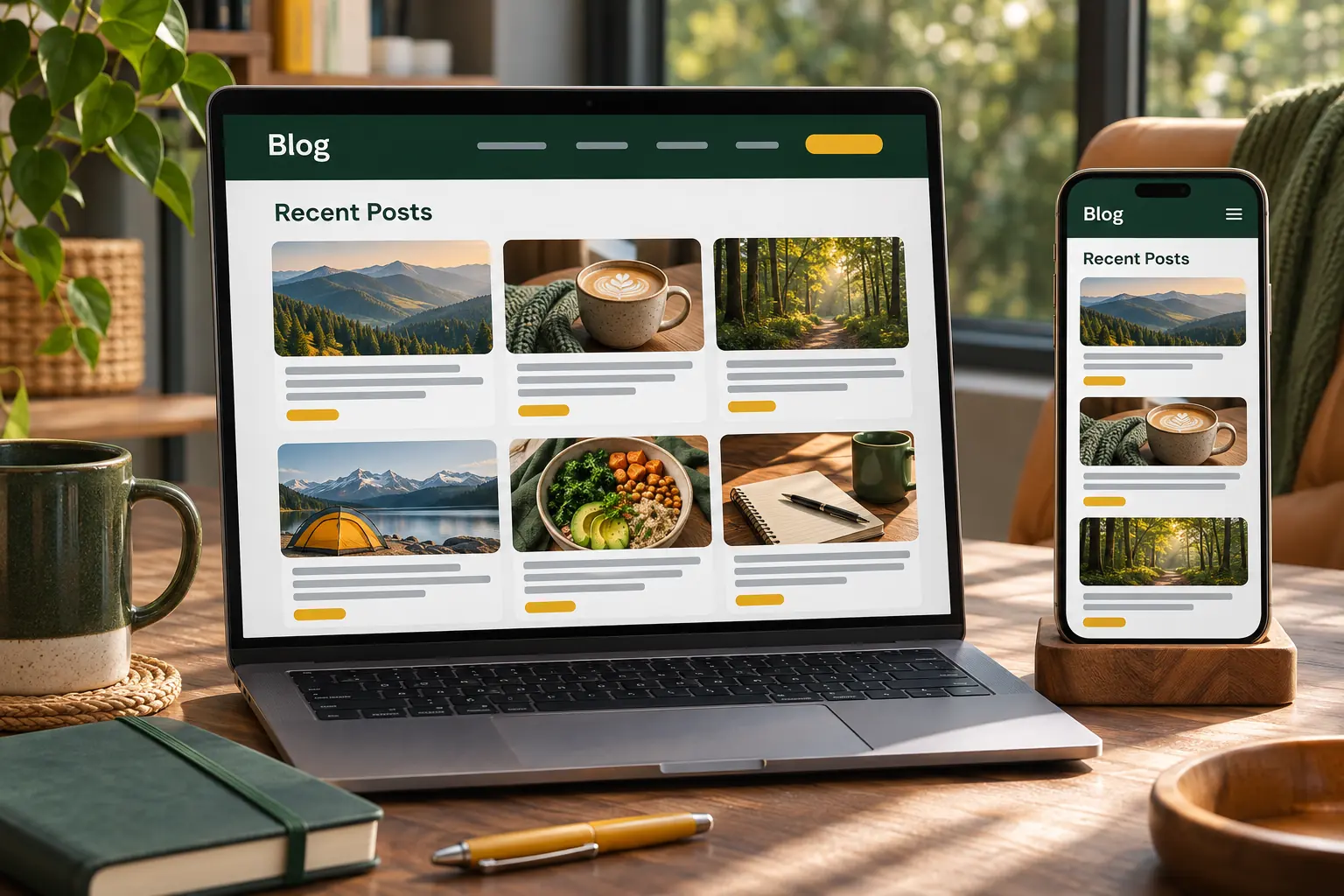
An AI Blog Writer That Also Hosts, Scores and Publishes Your Posts
Most AI blog writers stop at the draft. PixelClaw writes the post, scores it, and publishes it to a blog it hosts for you, with everything a blog needs already set up.
PixelClaw Editorial Team
Product and search team