AI blog post generator
PixelClaw toolsAI Blog Post Generator: From One Topic to a Publish-Ready Post
What a generated post should contain before you call it finished, how PixelClaw builds each part from one topic, and how long and how much it takes.

On this page▸
An AI blog post generator turns a topic into a complete post. A finished one needs more than paragraphs: an opening answer, clear sections, key takeaways, an FAQ, sources, internal links, a hero image with alt text and a call to action. PixelClaw generates all of these from one topic and scores the result.
What a finished blog post actually contains
Most AI blog post generators produce a title and some paragraphs under headings. That is the middle of a post, not a post. A post ready to publish has parts at the top and bottom that do specific jobs for readers, search engines and AI assistants.
The list below is what PixelClaw puts in every generated post. Each part maps to something readers expect or something its score checks.
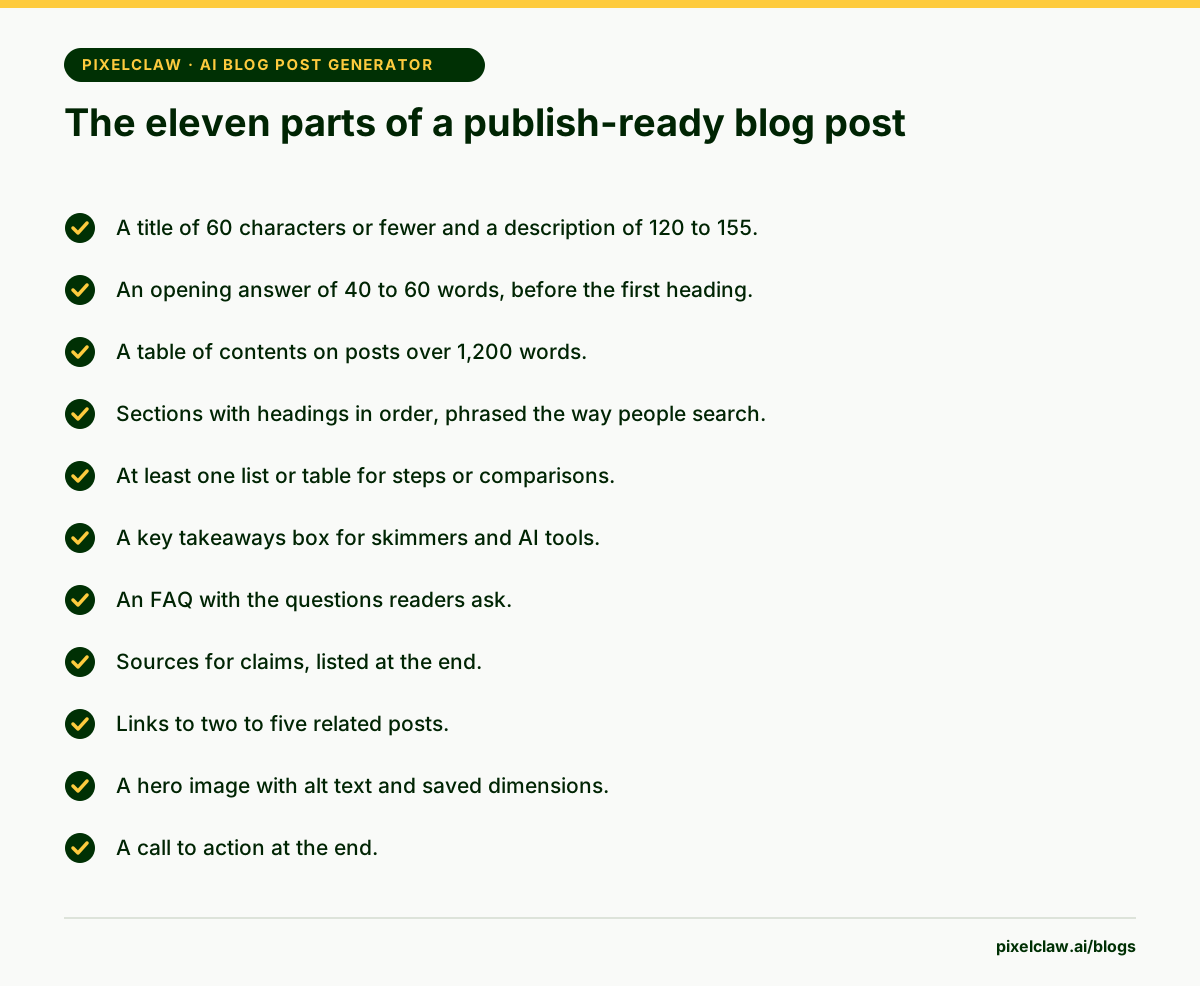
How PixelClaw generates a post from one topic
Type a topic or a question. PixelClaw reads the pages that rank for it and collects up to eight questions readers ask, then decides what kind of article the search needs, from a quick answer to a comprehensive guide.
The outline comes next, and in the writing studio you can edit it before drafting. The draft follows in your brand voice. A polish pass scores it and fixes the small things that failed, a hero image is made and described, and the post is scored again so you can see what, if anything, is still open.
Every step shows its progress on screen, and none of it needs you to paste anything anywhere.
Parts written for answer engines, not just readers
Three parts of a generated post are aimed squarely at answer engines. The opening answer is sized to be quoted whole: Google's featured snippets, voice assistants and AI chats lift passages of about that length. The FAQ gives each common question a self-contained answer. And the key takeaways box gives AI tools a summary they can trust.
These parts help human readers too. Most people want the answer first, and many read only the takeaways before deciding whether to read the rest.
How long it takes and what it costs
A post takes minutes from topic to finished draft. Its credits cover the research, the outline, the draft with its polish pass, and the hero image together. The free plan includes 50 credits a month, enough for two posts.
If the post already has a picture, no hero is generated and the hero image's credits are not used. On your own AI, research and image keys, a generated post uses no credits at all.
What to do after the post is generated
Read it once, quickly, for facts: prices, names, dates and anything that would be expensive to get wrong. Then add one thing only you could write: a result, an example, an opinion. That one paragraph often does more for the post than any amount of optimization.
Check the score for anything still open and apply the fixes you agree with. Then publish, or schedule it for a day that fits your calendar. For the images side of generation in detail, read AI blog post generator with images.
- Check every number, price and date against its source.
- Add one example, result or opinion of your own.
- Apply the fixes you agree with, and ignore the rest.
- Publish now or schedule it.
AI blog post generator or AI writer: which do you need?
The two terms get used interchangeably, but they describe different jobs. A generator is built to produce finished posts from a topic with minimal input: you supply the question, it supplies everything else. A writer is built to work with you: you shape the outline, rewrite sections and decide what stays.
PixelClaw is both, and you choose per post. Autopilot behaves like a generator, running from topic to scored post on a schedule. The writing studio behaves like a writer, stopping at the outline so you can shape it and giving you section and selection rewrites in the editor.
A useful rule: generate the posts that answer common, well-defined questions, and write the posts where your opinion or experience is the point. Most blogs need both.
Problems AI blog post generators often have, and how PixelClaw handles them
Many generators skip research, so posts repeat what the model already believes. PixelClaw reads the ranking pages and reader questions first. Many produce one shape of article for every topic. PixelClaw plans the kind of article the search needs, from a three-section quick answer to a ten-section guide.
Many leave out the structure answer engines need, such as an opening answer, an FAQ and key takeaways; PixelClaw adds them and checks them. And many publish whatever they produce. PixelClaw scores every post and, in Autopilot's automatic mode, only publishes those scoring 77 or more, holding the rest for review.
- A publish-ready post has eleven parts, and most AI generators only produce three or four of them.
- PixelClaw builds every part from one topic: research, outline, draft, image, structure and score.
- The opening answer, FAQ and takeaways are written for answer engines as well as readers.
- A standard post is ready in minutes, with its research and hero image included, and you can read it before it goes live.
- A score out of 100 tells you what, if anything, is still missing.
Frequently Asked Questions
How long does it take to generate a blog post?+
Minutes. Research, outline, draft, polish pass and hero image run one after another, and you can follow each step on screen. In the writing studio you can pause at the outline to edit it before drafting.
Can I generate a blog post from just a title?+
Yes, a title or a question is enough to start. Writing it as the exact question a reader would type gives the research more to work with and usually produces a better post.
Is a generated blog post ready to publish as it is?+
Structurally, usually yes, and its score tells you if not. Factually, read it first: check prices, names and dates, and add one example only you could give.
Can I generate posts on a schedule?+
Yes. Autopilot generates posts from a queue of topics on the days you choose, and either waits for your approval or publishes those that score 77 or more.
Sources
- Search Engine Optimization (SEO) Starter Guide — Google Search Central
- Featured snippets and your website — Google Search Central
Built & scored using PixelClaw.ai
More from this blog
Continue exploring autoblogging architecture, AI blog writing, and SEO / AEO / GEO playbooks.

AI Blog Post Generator With Images: Hero Art, Alt Text and Share Cards Done for You
How PixelClaw makes the pictures for each post as it writes it: a hero image sized for the page, alt text from a model that looks at the picture, and a share card for social links.
PixelClaw Editorial Team
Product and search team
An AI Article Writer That Researches First: Outline, Draft and Score in One Place
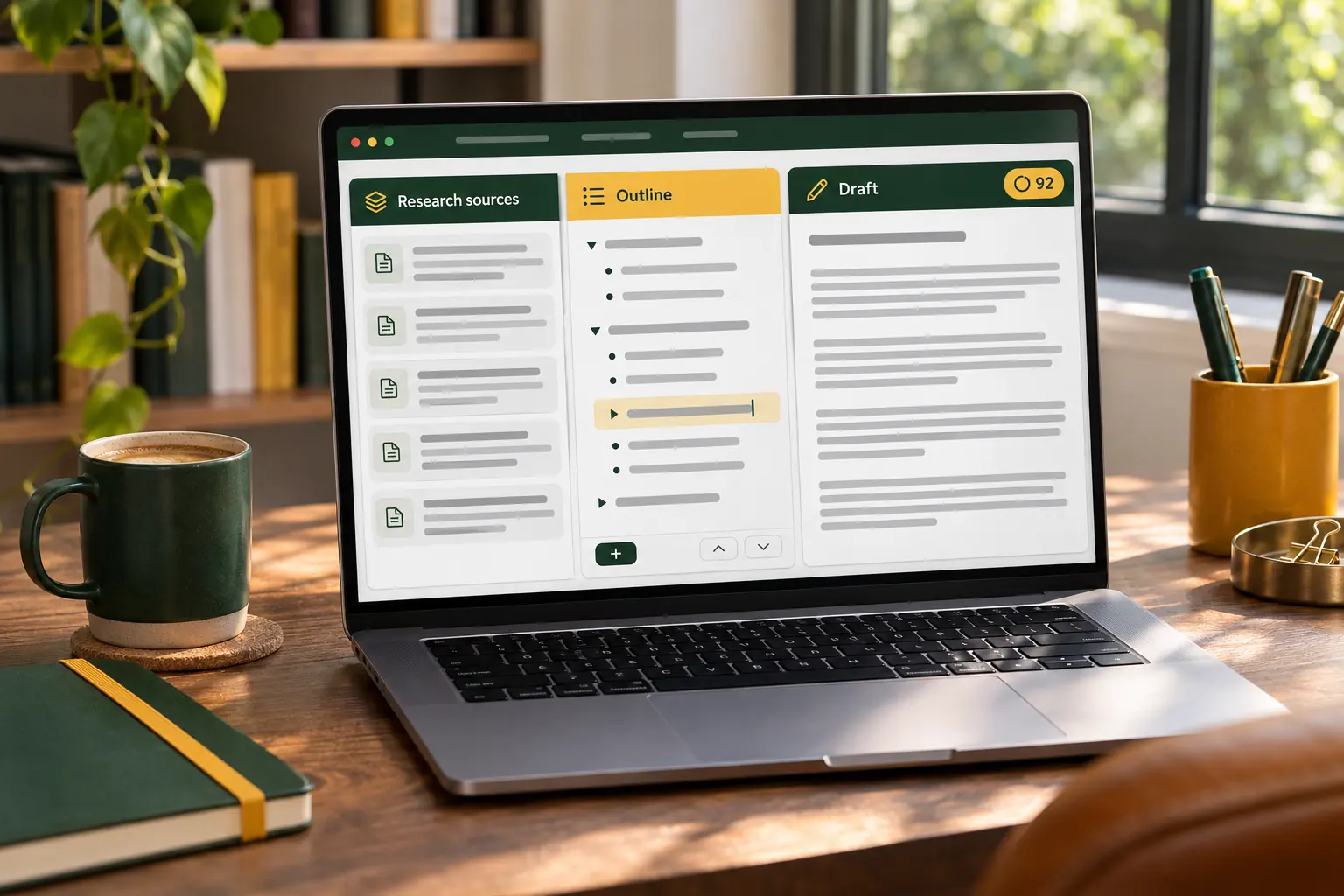
How PixelClaw's AI article writer works: research before writing, an outline you control, a draft shaped to the kind of article the search needs, and a score before anything goes live.
PixelClaw Editorial Team
Product and search team

Best AI SEO Content Generators: One-Click Articles Worth Publishing
One-click AI SEO content generators compared on the controls that decide whether the output is publishable: research, internal links, images, checks before posting and price per article.
PixelClaw Editorial Team
Product and search team