Indexing
PixelClaw toolsGoogle Indexing Tool: Get New Posts Found With Sitemaps, IndexNow and the Indexing API
What actually gets a new blog post into Google and Bing, what each indexing tool does and doesn't do, and how PixelClaw handles it for every post you publish.
On this page▸
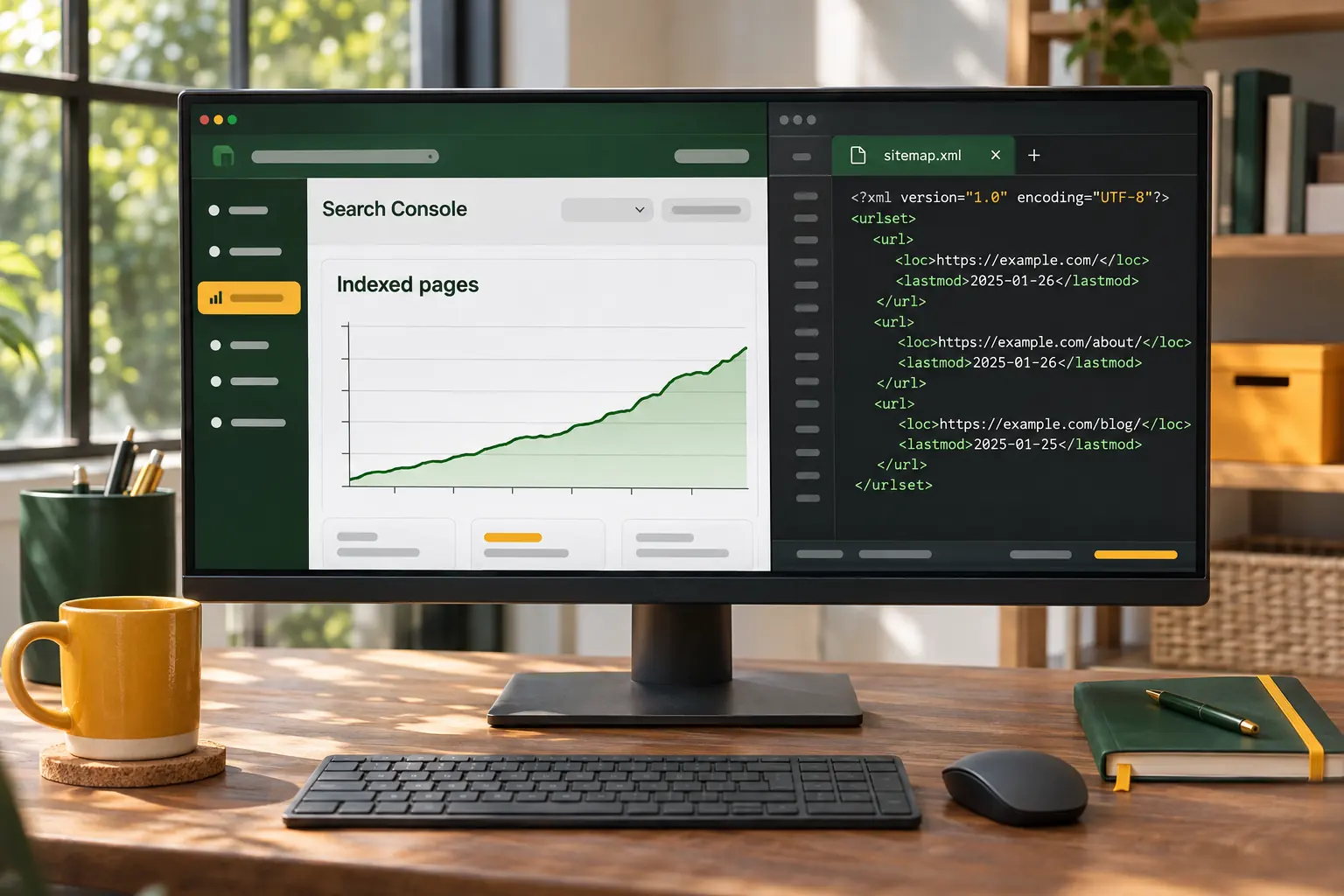
A Google indexing tool helps search engines find new and changed pages quickly. The reliable ones are a current sitemap submitted through Search Console, internal links from pages Google already visits, and IndexNow for Bing and other engines. Google's Indexing API is officially meant for job postings and livestream pages only.
What indexing is, and why a good post can sit unfound
Before a post can rank, a search engine has to find it, fetch it, decide it is worth keeping and add it to its index. That is indexing, and it is a step many new blogs underestimate. A great post that nobody has crawled does not exist as far as search is concerned.
Search engines find pages in two ways: by following links from pages they already know, and by reading lists you give them, such as sitemaps or IndexNow pings. Then they decide whether to index what they found. The second decision is theirs alone, and no tool can force it.
Every Google indexing tool, compared honestly
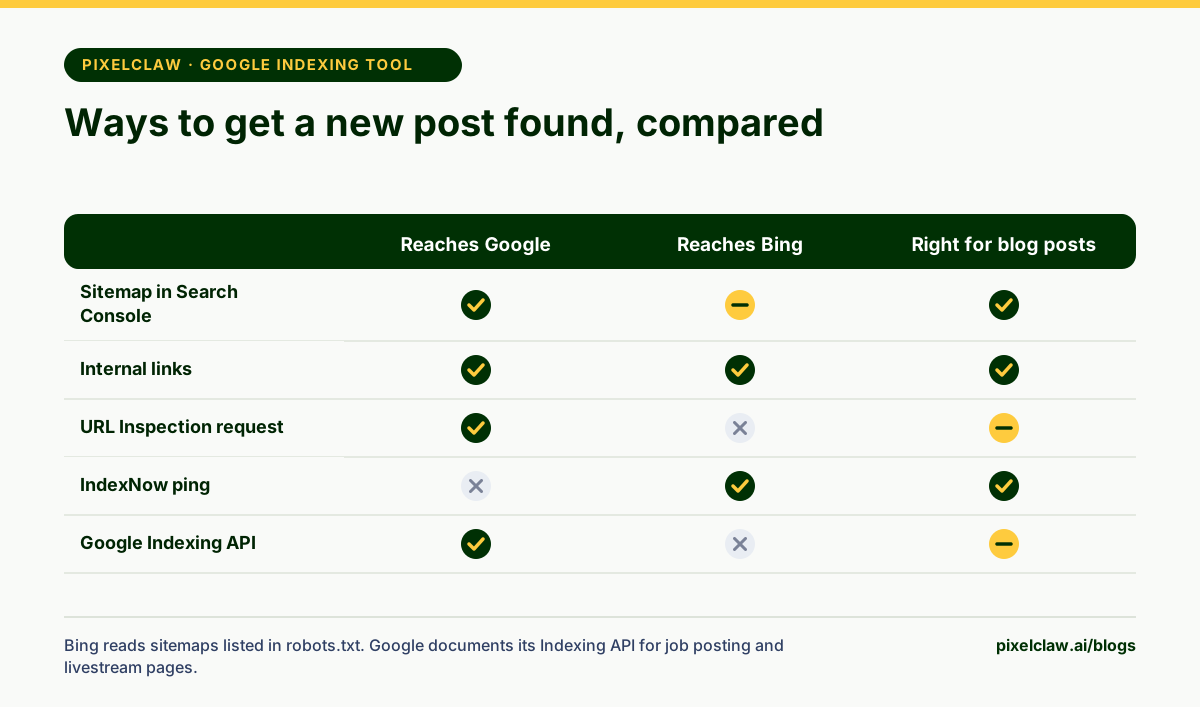
The phrase "Google indexing tool" gets used for very different things, and some of them are not meant for blog posts at all. Here is what each one does.
A sitemap lists the pages you want crawled, with dates they last changed; you submit it once in Search Console and Google re-reads it. Google's sitemap guide calls it the main way to tell Google about many pages. The URL Inspection tool in Search Console lets you ask Google to recrawl a single page, with a daily limit. IndexNow is an open protocol that tells Bing, Yandex and other participating engines about a change the moment it happens; Google is not part of it.
Google's Indexing API notifies Google directly, but its quickstart says it is for pages with job postings or livestream videos. For ordinary blog posts, the sitemap is the supported route.
What PixelClaw does for indexing on every post
Every PixelClaw blog keeps a sitemap.xml with its public posts and their last-changed dates, lists it in robots.txt so crawlers find it, and updates both the moment a post is published or changed. That alone covers the basics on every plan, including Free.
Paid plans add more. IndexNow notifies Bing and other participating engines as you publish. With Search Console connected, PixelClaw can send your sitemap to Google whenever it changes. Site verification codes for Google, Bing and Yandex are available on every plan. And on every paid plan, for those who want it, PixelClaw can notify Google's Indexing API about new and changed pages using your own Google Cloud key, within the limits Google sets for that API.
- All plans: sitemap.xml, robots.txt, llms.txt and site verification codes.
- Starter and up: IndexNow pings on publish, sitemap submission through Search Console, and Google Indexing API notifications with your own Google Cloud key.
What speeds up indexing more than any tool
Tools tell search engines a page exists. Whether they come quickly, and keep it, depends on the site. Three things matter most.
Links from pages Google already visits often: a new post linked from your homepage or a popular older post gets found fast. A steady publishing rhythm: sites that update regularly get crawled more often. And quality: Google indexes what it thinks is worth showing. A post that duplicates another page, or adds nothing, can be crawled and still left out.
Fixing a post that won't get indexed
First, check the basics in Search Console's URL Inspection: is the page allowed by robots.txt, does it return a 200 status, does it have a canonical tag pointing to itself, and is it free of a noindex tag? PixelClaw's hosted blogs handle all four by default, but a custom setup can break any of them.
If the page is crawled but not indexed, resubmitting rarely helps. Improve it instead: answer the question more completely, merge it with a similar post, and link to it from your strongest pages. Then ask Google to recrawl once. For more on technical basics, read how to write SEO blogs.
A quick indexing checklist for every new post
Before publishing, make sure the post is linked from at least one page that already gets visits, such as the blog's home page or a related popular post. After publishing, confirm it appears in your sitemap and, on paid plans, that IndexNow was notified.
A week later, check the post in Search Console's URL Inspection. If it is not indexed yet, look at the reason given rather than resubmitting straight away. Most delays on new sites resolve with time and links; the ones that don't usually point to a content problem worth fixing.
- A current sitemap, submitted in Search Console, is Google's supported way to list your pages.
- Internal links from pages Google already crawls are one of the fastest routes to discovery.
- IndexNow notifies Bing and other participating engines instantly; Google does not use it.
- Google documents its Indexing API for job posting and livestream pages, not ordinary blog posts.
- No tool can force indexing: Google decides whether a page is worth keeping in its index.
Frequently Asked Questions
How long does Google take to index a new blog post?+
Anywhere from hours to weeks. Google says crawling can take days to weeks and is not guaranteed. A sitemap, internal links from busy pages and a site Google already trusts all shorten the wait.
Does Google support IndexNow?+
Google does not take part in IndexNow. Bing, Yandex and other participating engines do, so IndexNow is still worth using alongside your sitemap.
Can I use the Indexing API for blog posts?+
Google's documentation says the Indexing API is for pages with job postings or livestream videos. For other pages, Google points to sitemaps and the URL Inspection tool in Search Console.
Why is my page crawled but not indexed?+
Google found the page but decided not to index it, usually because it judged the page low value, too similar to another page, or not yet worth the space. Improving the content and linking to it from strong pages helps more than resubmitting.
Sources
- Indexing API Quickstart — Google Search Central (Google says the Indexing API is for pages with job postings or livestream videos.)
- Build and submit a sitemap — Google Search Central
- IndexNow documentation — IndexNow
- Ask Google to recrawl your URLs — Google Search Central
Built & scored using PixelClaw.ai
More from this blog
Continue exploring autoblogging architecture, AI blog writing, and SEO / AEO / GEO playbooks.
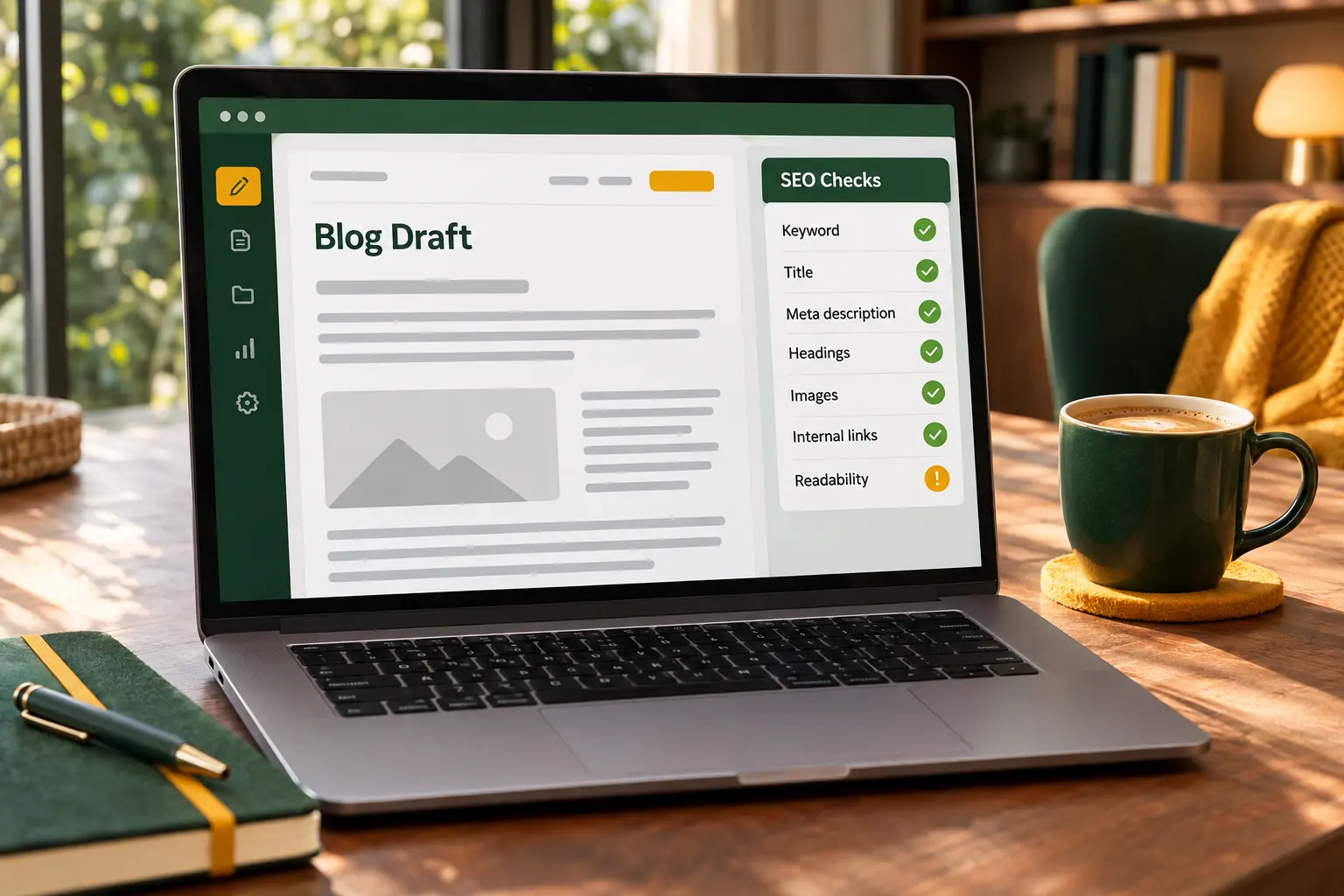
How to Generate SEO Posts Automatically, and Keep Them Worth Reading
What an automatic SEO post generator must get right on every draft, how PixelClaw's polish pass fixes the gaps before you see it, and the checks that keep automatic posts useful.
PixelClaw Editorial Team
Product and search team

SEO Blogs That Earn Clicks in 2026: How to Plan, Write and Publish Them
The on-page checklist, the length question, internal links and the technical basics, written for people who want their blog posts found rather than admired.
PixelClaw Editorial Team
Product and search team
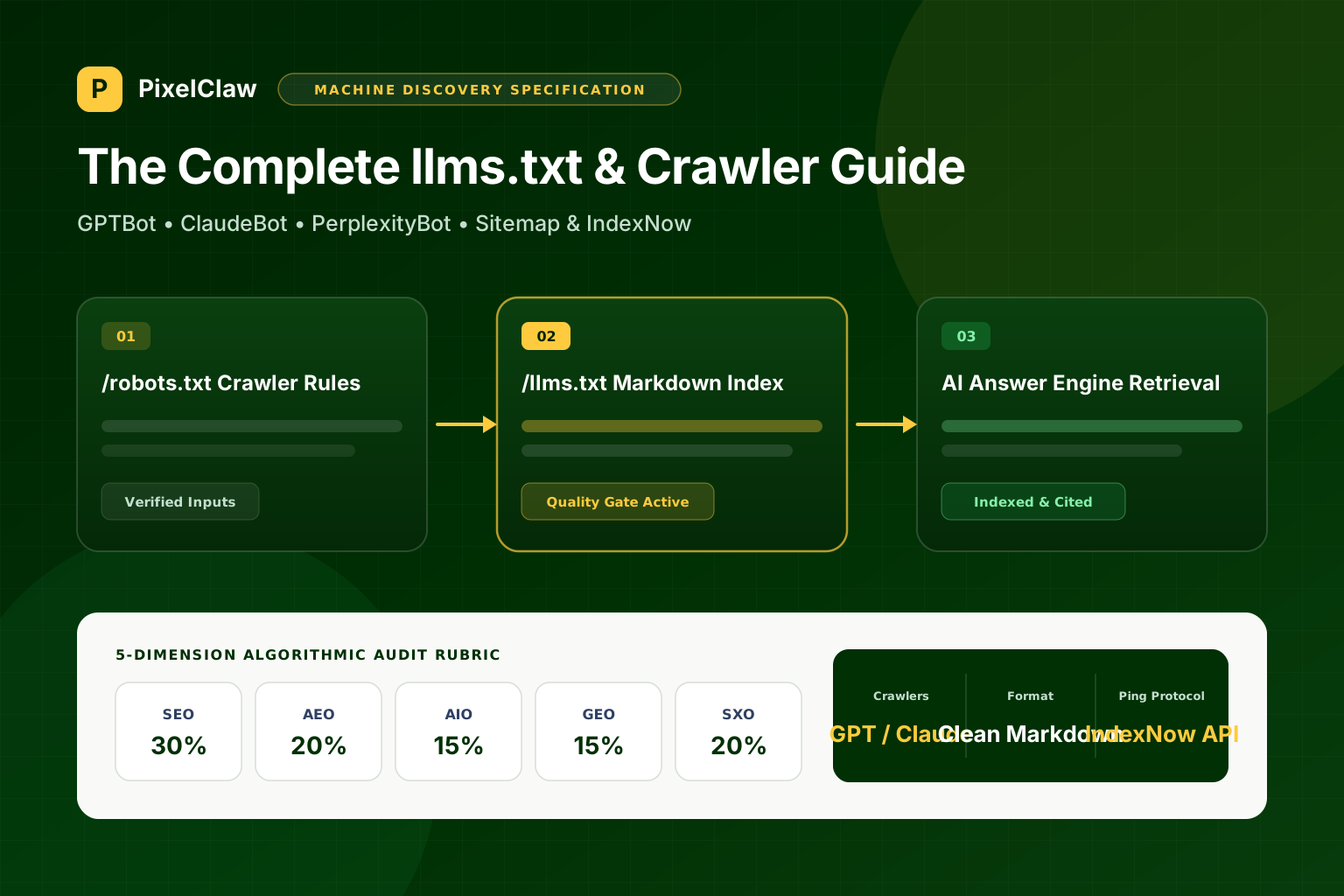
The Complete llms.txt Guide: How to Configure Your Blog for GPTBot, ClaudeBot, and PerplexityBot
Why AI agents struggle with JavaScript-heavy marketing sites, how the llms.txt specification works alongside robots.txt and sitemap.xml, and how to set it up automatically.
Marcus Vance
Head of Growth Architecture