AI SEO tool
PixelClaw toolsAn AI SEO Tool for Content: From Keywords and Competitors to Indexed Posts
What PixelClaw does as an AI SEO tool across the whole content cycle: keyword research and tracking, competitor gaps, writing, scoring and indexing, and what it leaves to other tools.

On this page▸
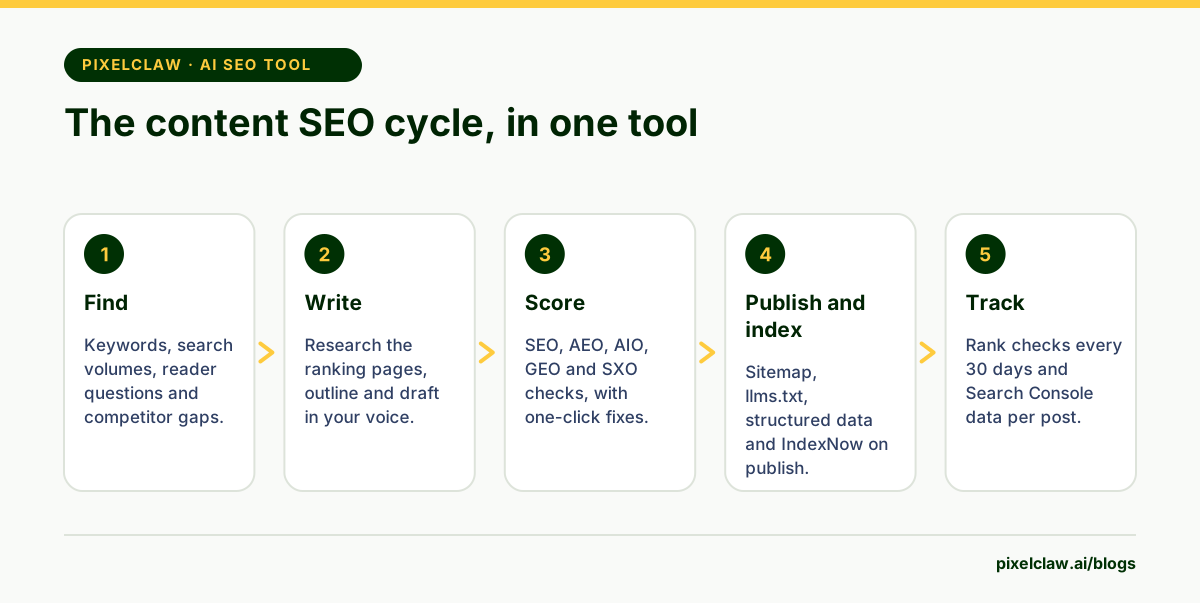
An AI SEO tool uses AI to speed up search work: finding keywords, studying competitors, writing and optimizing content, and getting pages indexed. PixelClaw is an AI SEO tool for content: it finds keywords and reader questions, shows competitor gaps, writes and scores posts, tracks rankings and handles indexing for your blog.
What an AI SEO tool should do for content
SEO tools used to be dashboards: lists of keywords, positions and backlinks, with the actual work left to you. AI changes the shape of the job. An AI SEO tool can not only show you the gap but help fill it: suggest the topic, research it, write the post, check it and get it indexed.
PixelClaw is built for that content side of SEO. It is not trying to be an all-in-one suite with backlink indexes and site crawlers. It does the part most blogs struggle with, which is turning search demand into published, well-built posts, again and again.
Keyword research and tracking
The Keywords tab holds the phrases your blog targets. Look up approximate monthly searches for the ones you choose: each lookup is paid once, and its results are reused free for 30 days, so you never pay twice for the same numbers. Results are approximate, as all search volume data is, and are kept separate from your site's own impressions.
Connect Google Search Console and each keyword also shows where your blog stands in Google: its average position over the last 28 days, from the same data as Search Console's performance report. Tracked keywords are checked every 30 days at no credit cost within your plan's allowance.
Questions to explore lists what readers ask around your topics, with the source of each question, so you can turn the good ones into posts or FAQ answers.
Competitor research and gaps
On plans with competitor gaps, the Competitors tab starts from your business profile. Paste competitors' websites, or let PixelClaw search the web for businesses like yours and choose which to add.
For each competitor it finds the searches they rank for and sorts them against your blog: searches none of your posts cover, searches where you have a post that is not ahead yet, and searches where you already rank above them. Queue the gaps you want, and Autopilot writes them on its schedule.
Writing and scoring for search and AI answers
Every topic is researched before writing, from the pages that rank and the questions readers ask. The draft follows your brand voice and business profile, and a polish pass fixes the checks that failed before you see it.
Each post is scored out of 100 across five areas: search engines, answer engines, trust signals, AI discovery and reader experience. That matters because search now happens in more places than the list of results: featured snippets, AI Overviews and chat assistants all draw on the same pages, and each rewards slightly different things.
Indexing and tracking, built in
Publishing updates the sitemap and llms.txt straight away. Paid plans also ping IndexNow for Bing and other participating engines and can send the sitemap to Google through Search Console; every paid plan can also notify Google's Indexing API with your own Google Cloud key.
After publishing, Search Console data flows back into each post, and PixelClaw lists the posts losing readers so you know what to refresh. That closes the loop: tracking shows the next gap, and the gap becomes the next post.
What this AI SEO tool does not do
PixelClaw does not analyse backlinks or build them, and it does not crawl a large existing website for technical problems such as broken redirects or duplicate pages across thousands of URLs. If those are your main needs, a dedicated SEO suite does them better.
It also does not publish into WordPress, Webflow or Shopify; posts go to the blog it hosts, or to your own site through the API. For many blogs that is exactly the point. For the full list of tools that write SEO content and how they compare, see the best AI SEO writers.
A month of content SEO with PixelClaw
In week one, connect Search Console, add your business profile and build a keyword list: what you already rank for, what customers ask, and what your competitors rank for that you don't. Look up search volumes for the shortlist.
In week two, queue the first cluster in Autopilot and approve the posts as they arrive. In week three, keep publishing and apply fixes to older posts that score poorly. In week four, read the rank checks and Search Console data, refresh anything slipping, and pick the next cluster from what the data shows. The same loop then repeats every month, and the blog's coverage grows with it.
- PixelClaw covers the content side of SEO end to end: research, writing, scoring, publishing, indexing and tracking.
- Keyword lookups show approximate monthly searches, paid once and reused free for 30 days.
- Tracked keywords are checked every 30 days at no credit cost, within your plan's allowance.
- Competitor gaps show searches your competitors rank for that none of your posts cover.
- It is not a backlink tool or a technical site crawler; pair it with one if you need those.
Frequently Asked Questions
Can PixelClaw replace my SEO tool subscription?+
For content work on a PixelClaw blog, often yes: keyword research, questions, competitor gaps, writing, scoring and rank checks are all here. For backlink analysis or crawling a large existing website for technical issues, keep a dedicated tool.
Where does the keyword data come from?+
Search volumes come from a paid keyword data lookup that PixelClaw runs when you ask for it. Positions and clicks for your own blog come from Google Search Console once you connect it.
How many keywords can I track?+
It depends on the plan, and the pricing page lists the current numbers. Tracked keywords are checked every 30 days at no credit cost; checking one immediately costs a credit.
Does it work for AI search too?+
Yes. Every post is scored for answer engines, trust signals and AI discovery as well as classic SEO, and each blog publishes llms.txt and lets AI answer engines read it unless you choose otherwise.
Sources
- Performance report (Search Console Help) — Google
- Search Engine Optimization (SEO) Starter Guide — Google Search Central
- IndexNow documentation — IndexNow
Built & scored using PixelClaw.ai
More from this blog
Continue exploring autoblogging architecture, AI blog writing, and SEO / AEO / GEO playbooks.

Topical Map Generator: Build a Topic Cluster From Your Keywords, Questions and Gaps
What a topical map is, how to build one that a blog can actually follow, and how PixelClaw's keywords, reader questions, ideas and competitor gaps supply the pieces.
PixelClaw Editorial Team
Product and search team
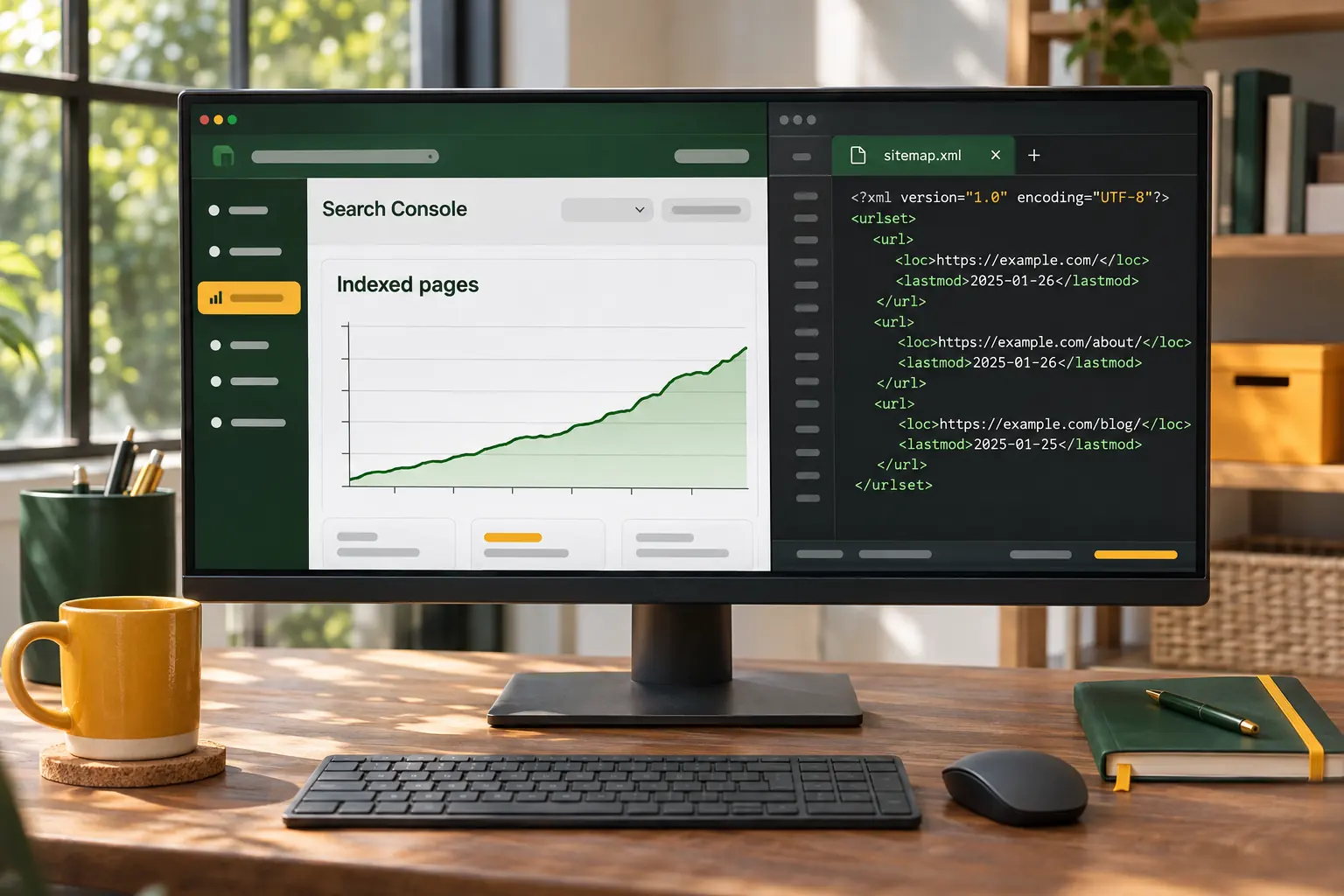
Google Indexing Tool: Get New Posts Found With Sitemaps, IndexNow and the Indexing API
What actually gets a new blog post into Google and Bing, what each indexing tool does and doesn't do, and how PixelClaw handles it for every post you publish.
PixelClaw Editorial Team
Product and search team
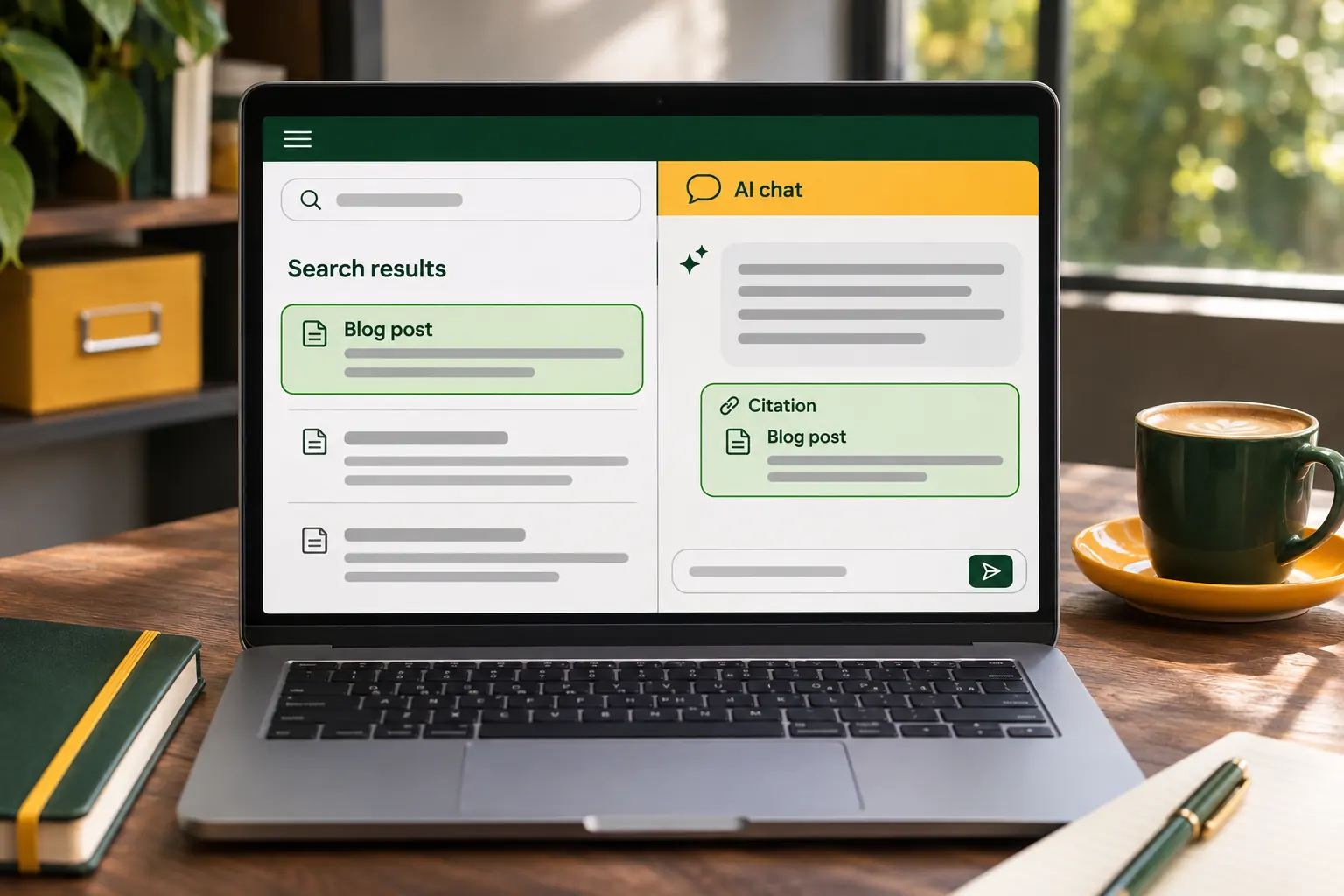
Best AI SEO Writers for Google and AI Answers: 7 Tools Rated on Both
An AI SEO writer now has two jobs: rank in Google and get quoted when people ask ChatGPT, Perplexity or Google's AI Mode. Seven writers rated on both, with prices from their own sites.
PixelClaw Editorial Team
Product and search team